

- Build steps that are time-consuming to execute
- Projects where compilation is typically slow, such as Rust and C++ codebases
- Workflows that can benefit from cross-invocation artifact reuse
Getting started
Bazel caching is a paid add-on. In order to enable it for your workspace contact our sales team. You can produce a ready-to-use configuration withnsc bazel setup:
Configure cache access
bazelrc configuration file.Use the Bazel cache
--bazelrc repeatedly, allowing you to combine your existing configuration with Namespace cache access.
See Bazel’s documentation for granularity control options.GitHub Actions Example
Configure cache access
When using Namespace runners, you can enable Bazel caching directly in your profile configuration.
How it works
The Bazel caching solution employs a tiered caching approach, where the hot cache lives as close to the consumer (e.g. your CI job runner) as possible. The cold caching tier is backed by our high-performance artifact storage and enables Bazel to retain a vast amount of cached artifacts. Access to the Bazel cache is granted through short-lived secure credentials.Usage
Namespace accounts Bazel cache usage in two categories:- Bazel cache storage
- Bazel cache reads
Remote Asset API
Namespace implements Bazel’s Remote Asset API, which lets Bazel offload external downloads to the Namespace cache instead of fetching them directly from the origin. Namespace’s remote Bazel caches support:- Checksum-verified fetches using the
checksum.sriqualifier (SHA-256). When Bazel provides an integrity hash, Namespace resolves the asset straight from cache without contacting the origin. - Custom HTTP headers via the
http_header:andhttp_header_url:qualifiers, so authenticated or header-gated downloads work through the cache. - HTTP and HTTPS URIs.
Enabling
The remote Asset API is opt-in. When using Namespace runners, enable it in your profile configuration alongside Bazel caching. The generated.bazelrc will contain the necessary flags automatically,
so you only need to select the profile:
--enable_remote_asset_api flag to include the remote asset endpoint in the generated bazelrc:
Running Bazel from a Devbox
You can create a Devbox with Bazel caching already configured. Namespace runs the setup for you, sobazel uses the Namespace cache without any
further steps.
Enable Bazel caching
Turn on caching when you create the Devbox, and select the repository holding
your Bazel project at the same time. The Devbox then starts with the repository
cloned and the cache configured, ready to build.To add caching to a Devbox that was created without it, open a shell in the
Devbox and run setup against the same path the toggle configures:
- Create wizard
- Blueprint
Create a new Devbox from the Devboxes page and select your repository. Expand the Advanced section and turn on Bazel cache.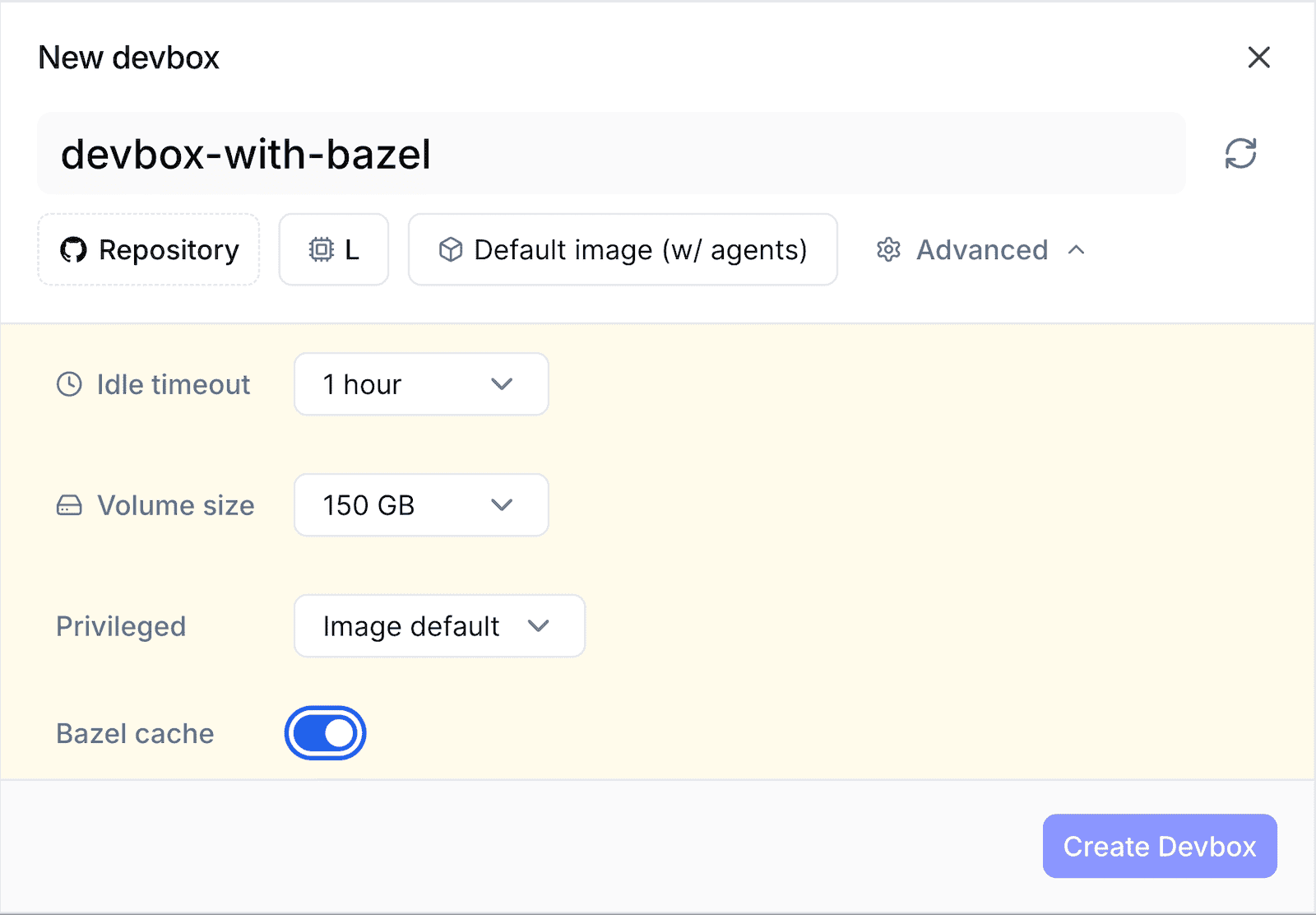

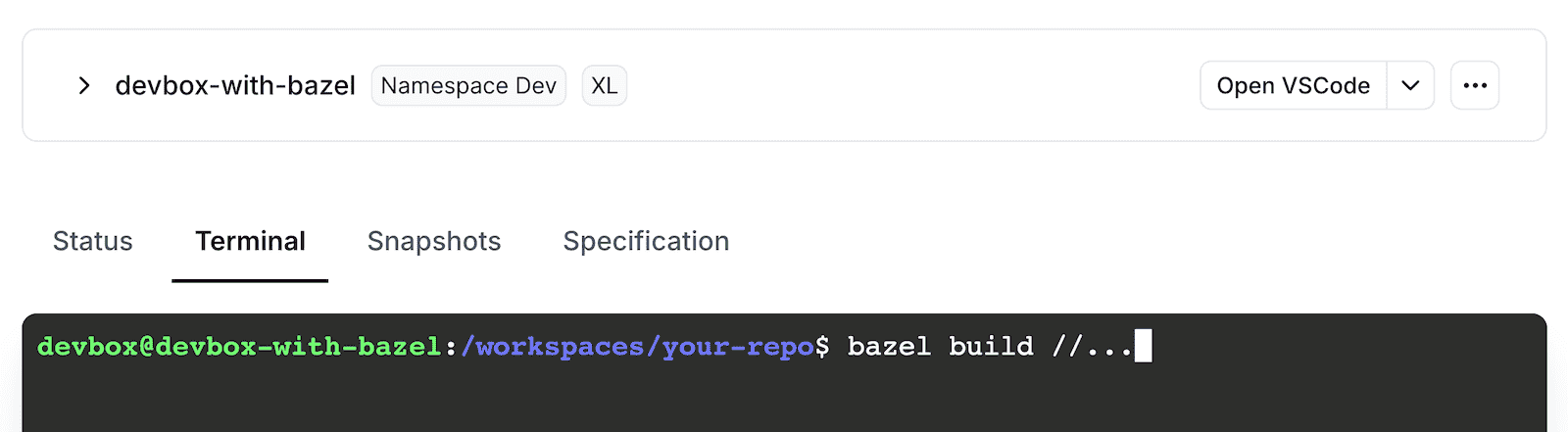
BAZELRC environment variable pointing at that file.
Use it when you need to name the configuration explicitly, for example from a
script or a Makefile that combines it with your own configuration:
devbox exec, which
is the usual way to drive builds from CI or from a coding agent:
Bazel cache from GitHub-hosted runners
You can use the Namespace Bazel cache from GitHub-hosted runners. This lets you validate your cache setup before migrating your runners to Namespace.Performance in this setup is not representative of running your full workflow on Namespace.From GitHub-hosted runners, cache reads and writes travel over the public internet, adding latency you won’t see once your runners run on Namespace.
Observability
Namespace records the invocations that run through the cache. Inspect them from the Bazel invocations page or withnsc bazel invocation list. See
Bazel observability.