

Choosing an approach
There are three ways to make custom software available to your jobs. They differ in how much of your existing setup you have to change, and in how much time each job spends getting the software in place:- Custom base image - bake your software into the runner image itself, using APT packages or a custom Dockerfile. Namespace distributes and optimizes these images ahead of time, so a job does not pull an image at startup. This is the fastest of the three, and what we recommend if you can move your software into the runner image.
- Namespace registry - run your job in a container built from an image in your workspace’s private registry, nscr.io. Your runners are already authenticated to pull from it, so this is the shortest path if you want to reuse container images you already build.
- External registry - run your job in a container using GitHub’s own
container:support, authenticating to your registry with GitHub Actions secrets. This requires the fewest changes, as your images stay where they are today.
Inspect the standard base images
Before adding your own packages, check what Namespace already ships in its standard base images. You can browse the contents of each image in the dashboard, for example ubuntu-26.04, or from the CLI: List the available base imagesubuntu-24.04 vs ubuntu-26.04:
Custom base image
You can extend the Namespace base image in two ways. Selecting APT packages covers most cases and needs no Dockerfile, while a custom Dockerfile lets you install anything else, such as language toolchains or binaries fetched from a release page. Both are configured per Runner Profile, and both produce an image that Namespace distributes and optimizes ahead of your jobs.Preinstalled packages
Enable custom base image
Go to the desired Runner Profile and select a customizable base image.
Select APT packages
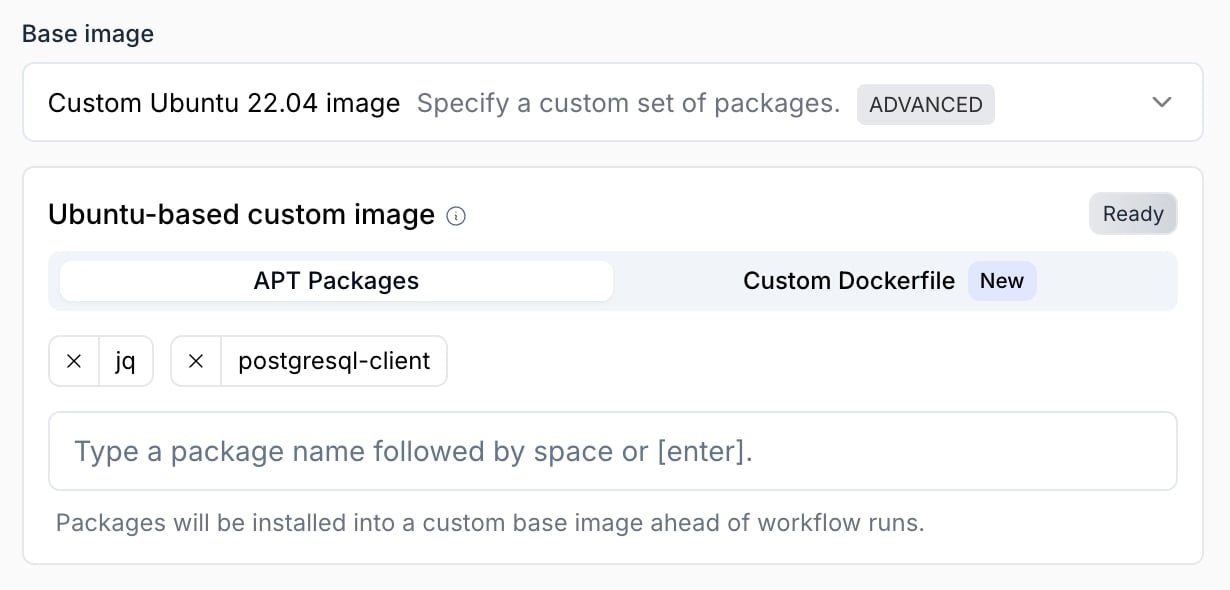
Type the Ubuntu packages to install.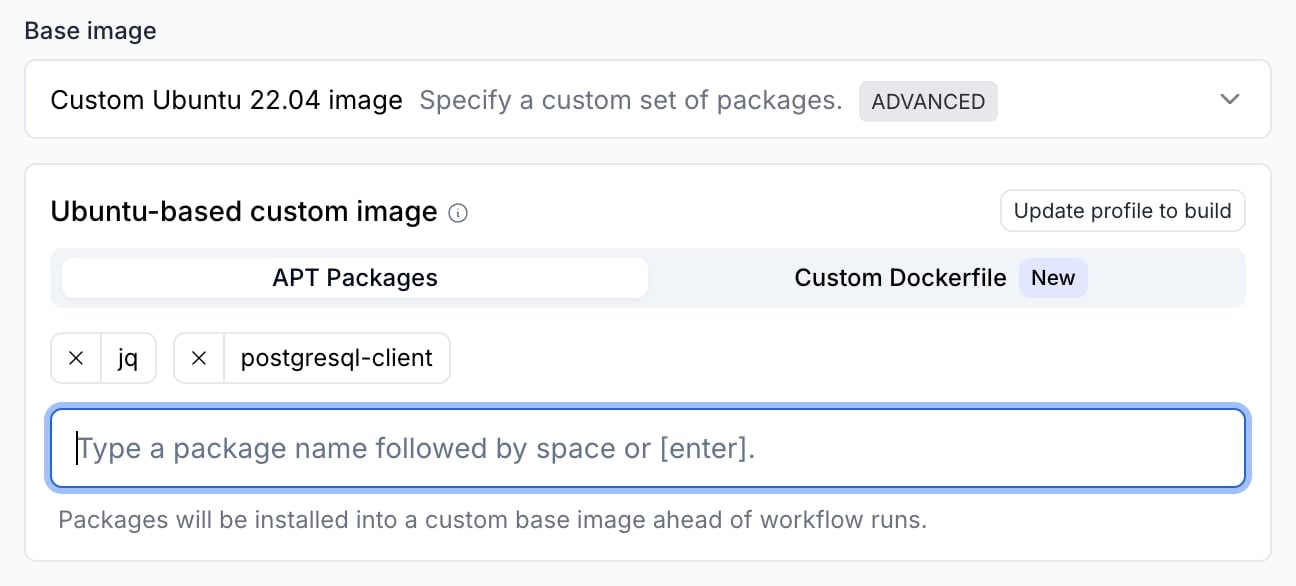
Custom Dockerfile base
Using a custom Dockerfile, you can add any dependencies on top of the Namespace base image. Dockerfile syntax is fully supported, allowing customization beyond pre-installing APT packages. Important to know:- The final layer must be based on NAMESPACE_BASE_IMAGE_REF. The base image contains the software required to integrate with GitHub, without it your workflows won’t start.
- The user in the final image must be runner. GitHub’s runner software expects to run as this user.
- After an image is built, it needs to be distributed and optimized. Workflows using this profile may take longer to start than normal while this is still in progress.
Enable custom base image
Go to the desired Runner Profile and select a customizable base image.
Add customization steps
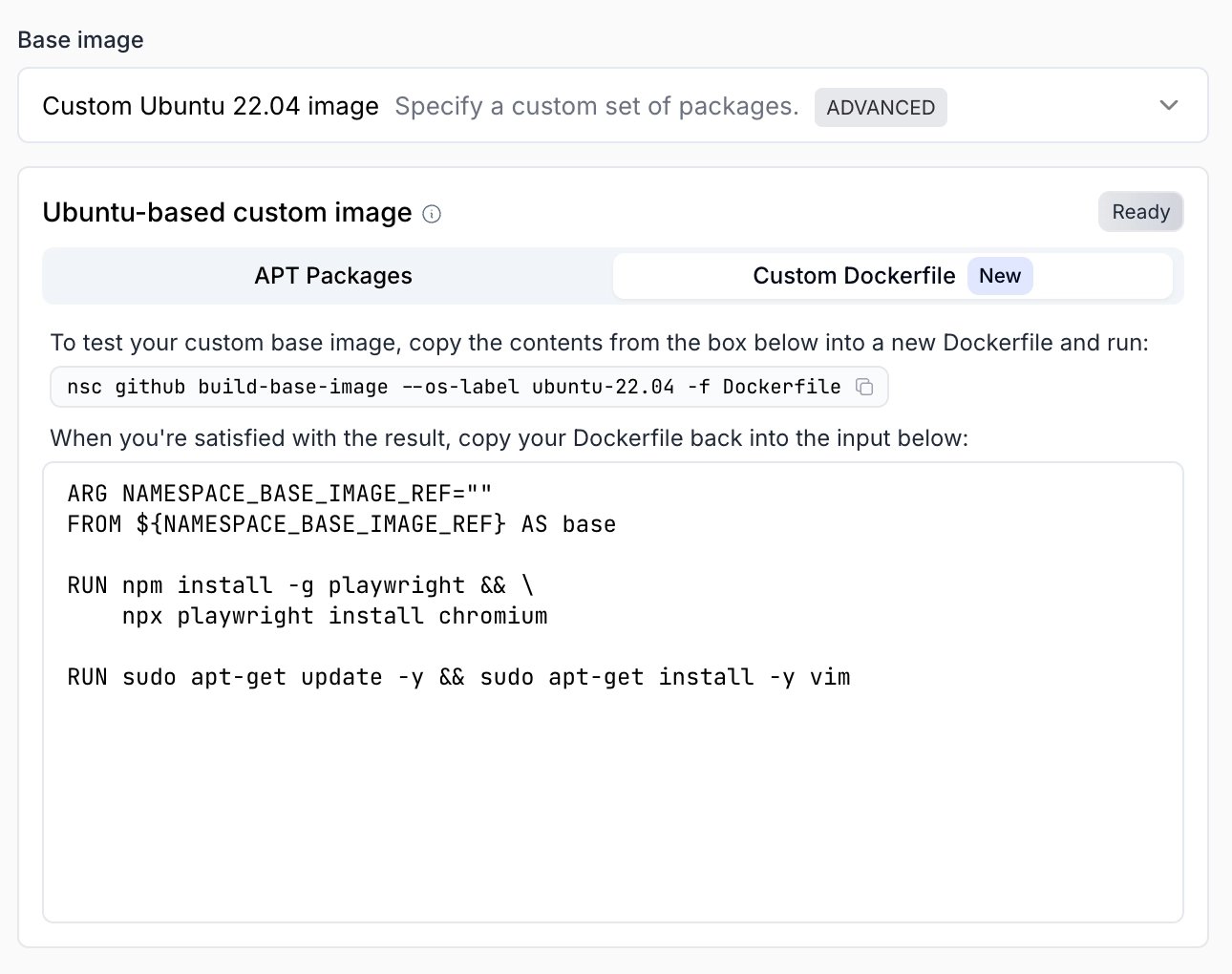
Add your custom Dockerfile steps to the input. Make sure to build on NAMESPACE_BASE_IMAGE_REF in your final layer: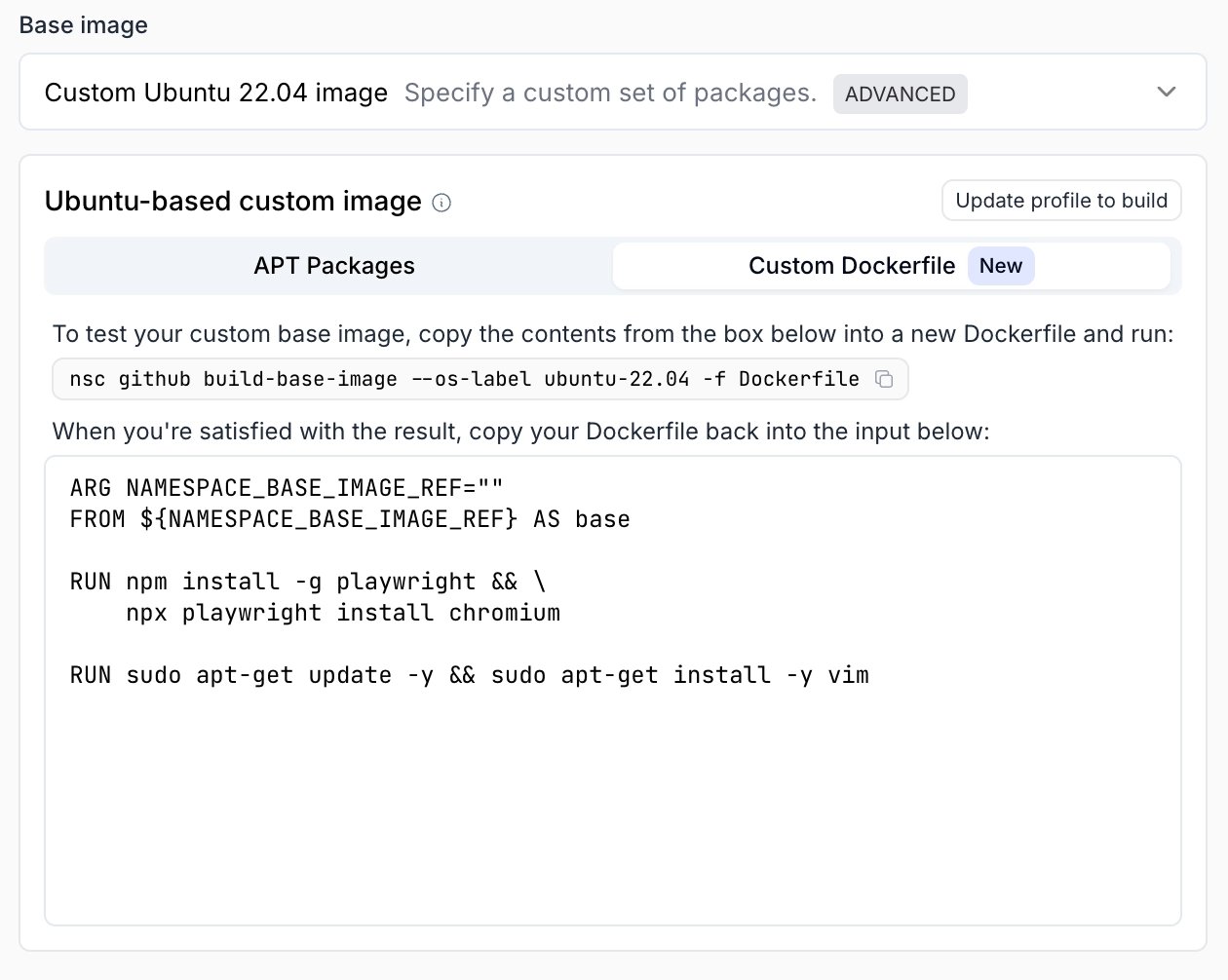
Namespace registry
If you already build container images that contain your tooling, you can run your jobs in those images instead of baking the software into the runner’s base image. Every workspace comes with its own private container registry atnscr.io, and your runners are already authenticated to pull from it.
Your workflow does not need registry credentials or secrets.
Push your image to nscr.io
Configure your local Docker (or your image build pipeline) to push to your workspace registry:Your workspace identifier can be found in the Dashboard.
The image is pulled at the start of every job. Enable container image caching in your runner profile to make repeated pulls complete in seconds.
External registry
If your images live in a registry outside Namespace, you can keep using them through GitHub’s own container job support. Store the registry credentials as GitHub Actions secrets and pass them to thecontainer block:
nscr.io images, see Running Jobs in Containers to keep access to Namespace caching from inside the container.