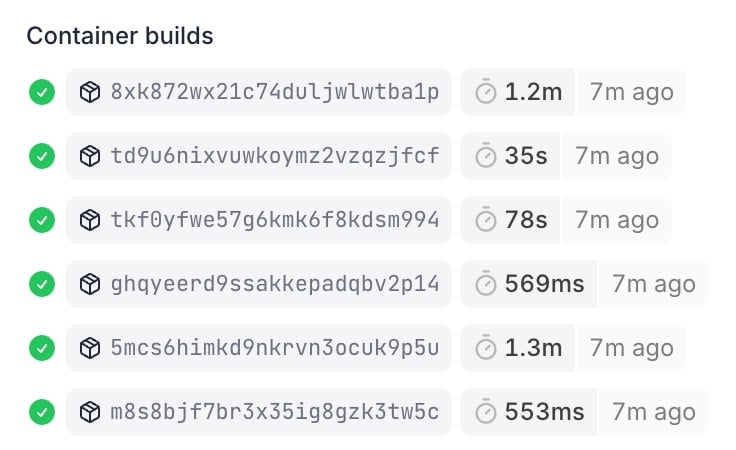
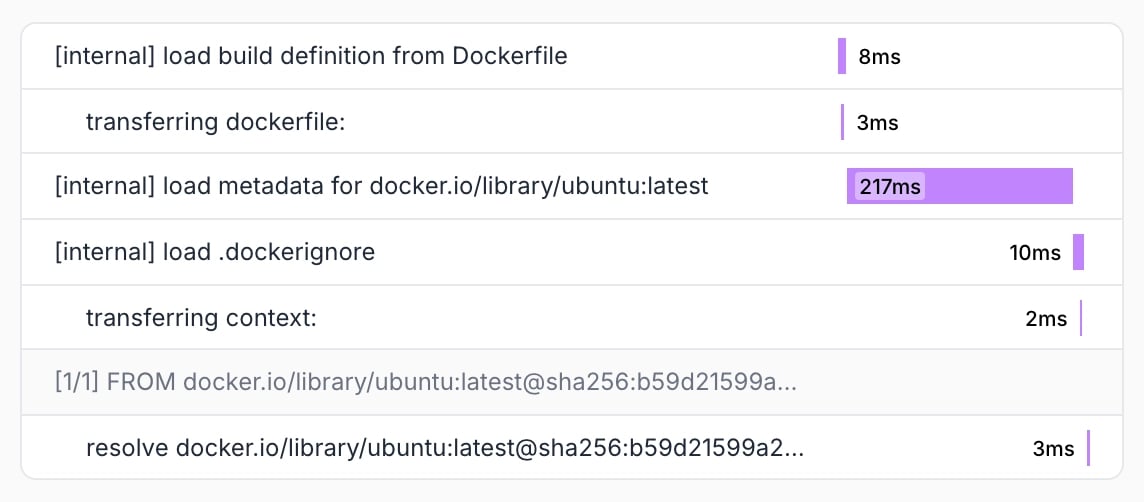
Overview
The Build Dashboard provides comprehensive insights into your build performance and failures through detailed traces, step logs, and contextual information. This centralized view helps you quickly identify, debug, and optimize your Docker builds.Build Failure Analysis
Failure Detection & Highlighting The dashboard automatically extracts and highlights build failure causes directly in the main view. Failed builds are prominently displayed with clear error indicators and quick access to detailed diagnostics.
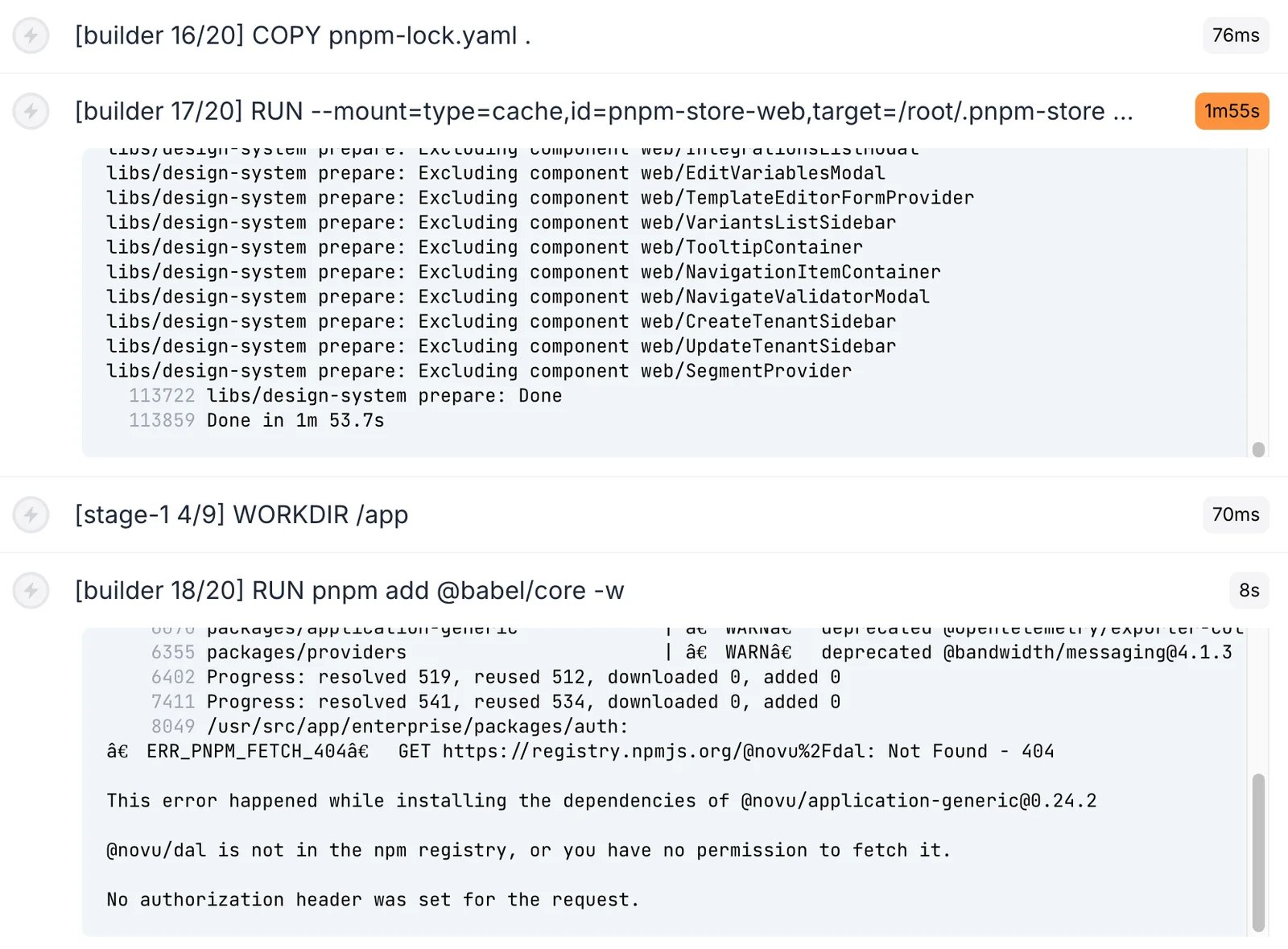

Performance Monitoring
Cache Utilization Overview The dashboard provides at-a-glance visibility into which build steps utilized cache effectively. Cached steps are clearly marked, helping you identify unexpected cache misses that may indicate suboptimal build definitions.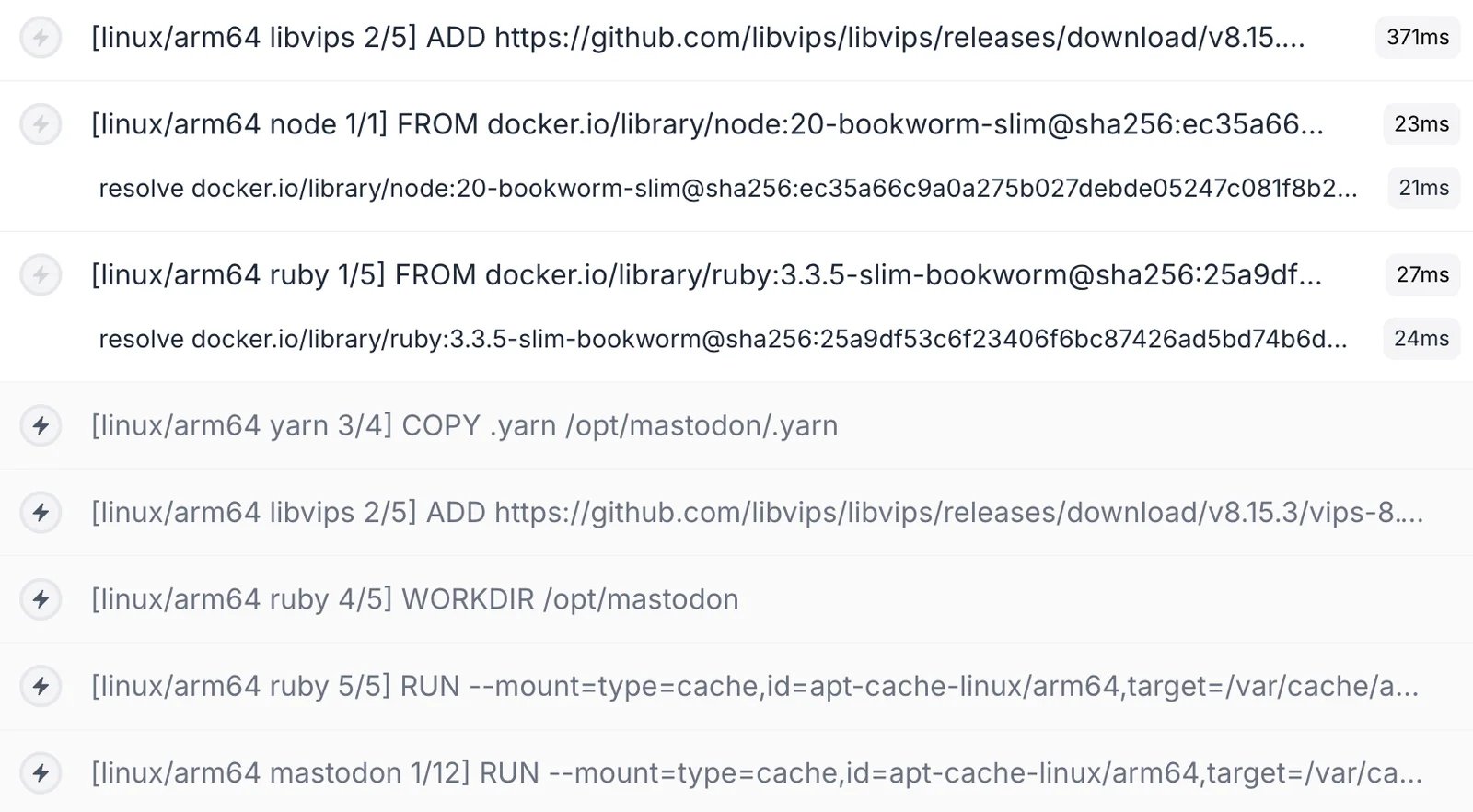
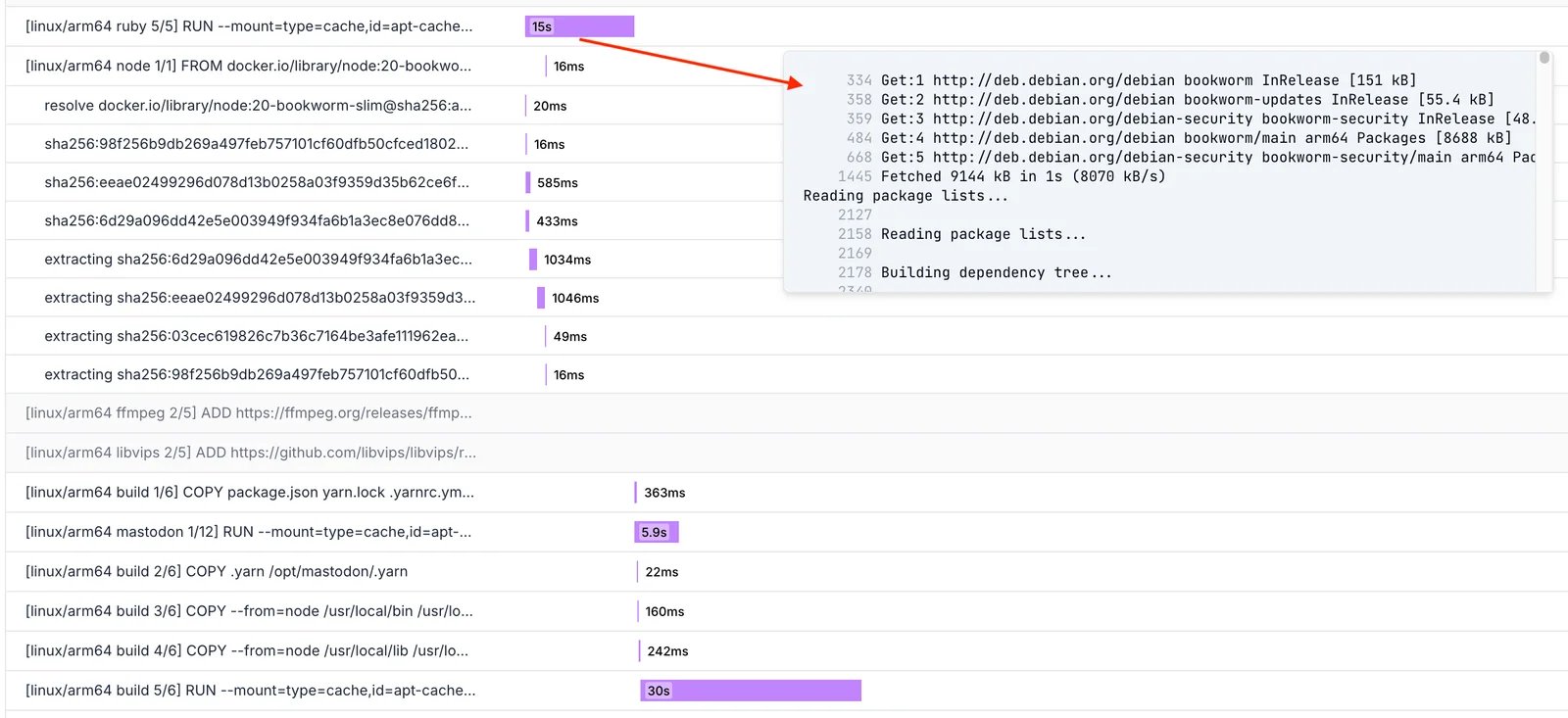
Critical path analysis for Docker builds
Builds in Context
Integrated Workflow Attribution When builds are initiated from Namespace compute environments, the dashboard records and displays these connections, enabling you to trace builds back to their originating workflows.