

Encryption at Rest
All secrets stored in Namespace are encrypted at rest using industry-standard encryption algorithms. Your sensitive data is never stored in plaintext on our systems.Comprehensive Audit Logging
Every secret access — whether revealed, created, updated, or deleted — emits a detailed, immutable audit log. This provides complete visibility into how and when your secrets are being used, supporting compliance and security monitoring requirements.Managing Secrets
You can manage secrets using the CLI, the VaultService API, or the Namespace Dashboard. Secrets are versioned — each update creates a new version. You can use optimistic concurrency control to prevent concurrent modifications by passing the current version when updating or deleting a secret. Secrets can optionally be marked as revealable at creation time. Only revealable secrets can have their value retrieved later via the API or CLI. This setting is immutable after creation. Labels can be attached to secrets at creation time for organization and filtering. Labels are immutable and shared across all versions of a secret.List Secrets
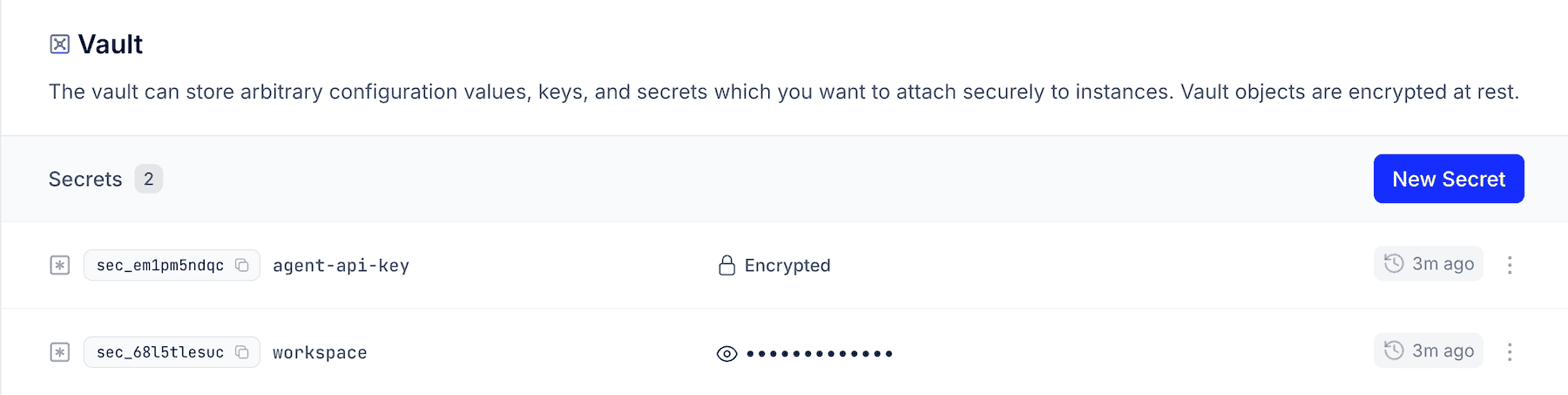
View all your secrets and configuration values in your vault.- Namespace CLI
- Dashcboard
Create Secret
Add new secrets to your vault.- Namespace CLI
- Dashboard
Create from File
For non-interactive creation, you can store the secret value in a file:secret.txt
--from_file flag:
Update Secret
- Namespace CLI
- Dashboard
Update a secret with For non-interactive update, provide the value with a file:See the CLI docs for more.
--object_id; you’ll be prompted for the new value:Delete Secret
- Namespace CLI
- Dashboard
Using Secrets
Secrets can be provided as environment variables. They are resolved at creation time and injected into the container’s environment. No secrets are injected by default — they must be explicitly requested.In Instances
Use theenv_vars field in ContainerRequest with from_secret_id set to the secret’s object ID:
In Devboxes
Reference secrets from a Blueprint. Open a Blueprint from the Blueprints page, and under Environment, press + Add secret. Enter the environment variable name, pick the secret from your vault, and save the Blueprint.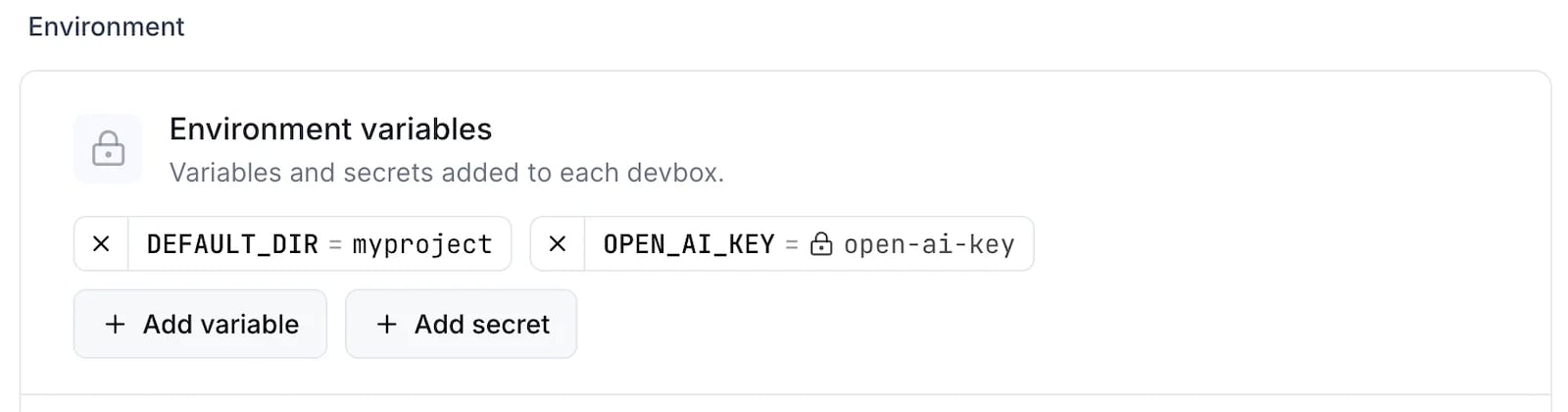
- CLI
- TS SDK
- Dashboard