

Create from Blueprint
Create a Devbox that inherits everything the blueprint defines.- CLI
- TS SDK
- Dashboard
--blueprint uses the latest version of the named blueprint, and cannot be combined with --from or --platform.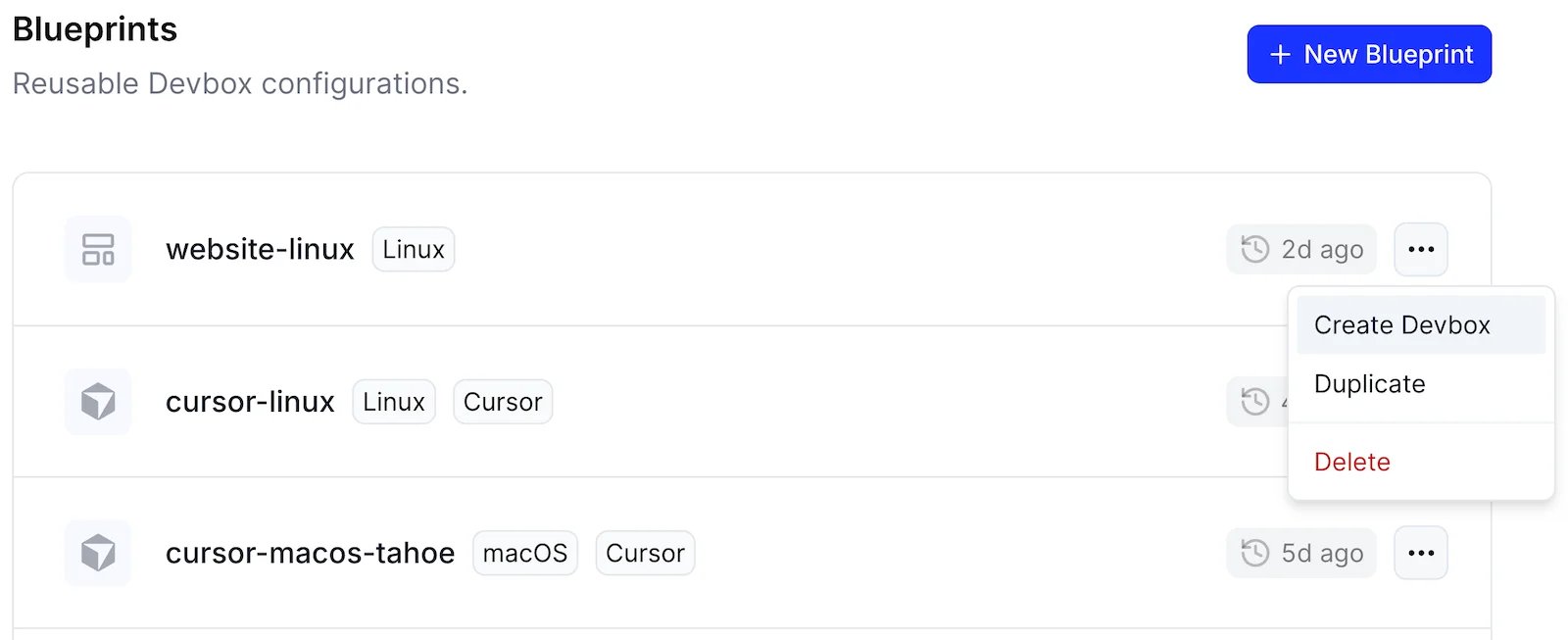
Managing Blueprints
The Devbox CLI cannot create or manage blueprints. Use the dashboard or the TypeScript SDK, then create Devboxes from them with
devbox create --blueprint.Create a Blueprint
- TS SDK
- Dashboard
blueprints.create() takes a name and a complete definition:image is required, and every other field is optional.A fuller definition can set environment variables, who may use the blueprint, whether its Devboxes are ephemeral, and which domains they may reach: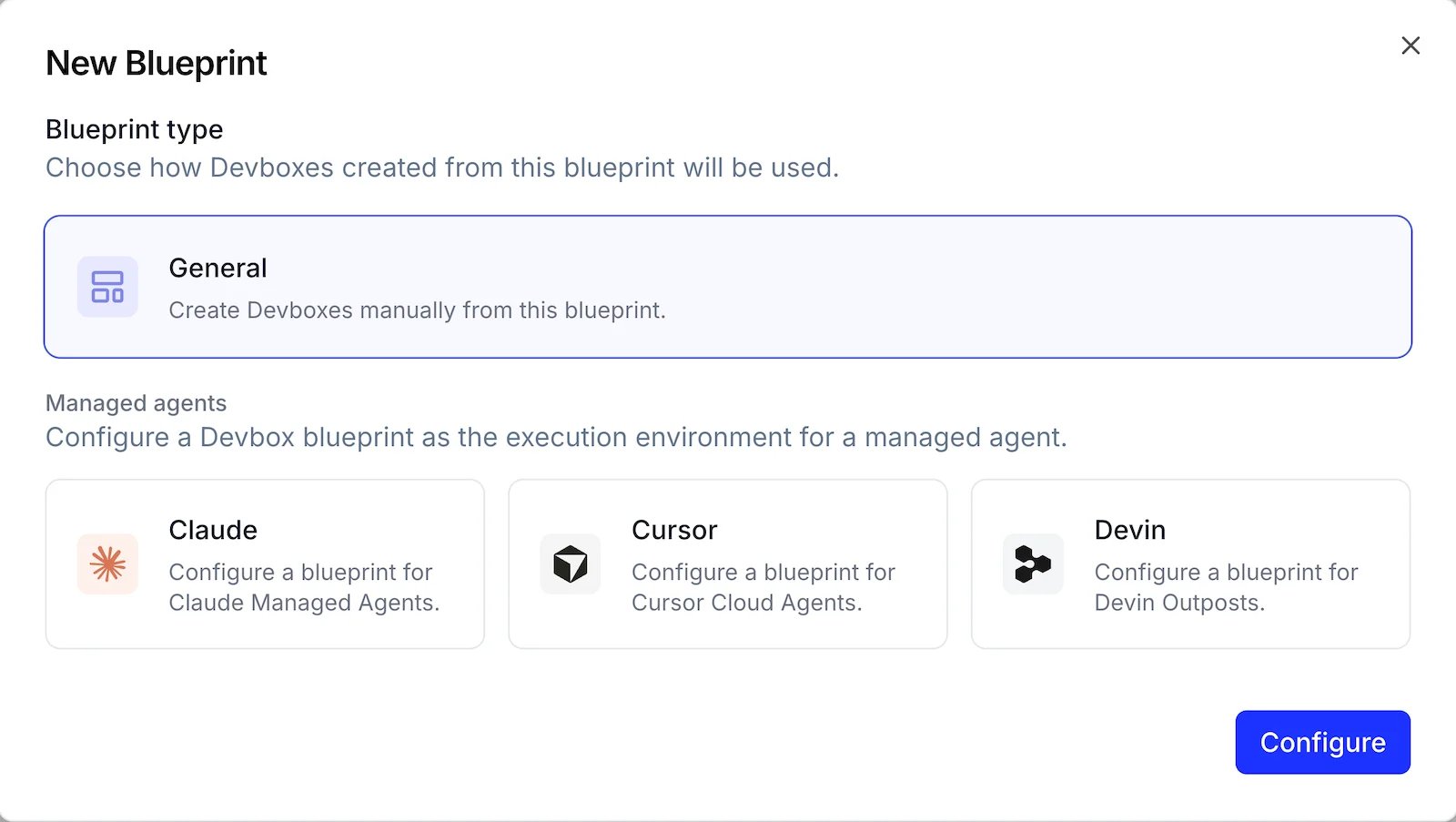
List Blueprints
- TS SDK
- Dashboard
blueprints.list() returns one page at a time:nextCursor as the next call’s cursor, or use blueprints.iterate() to walk every page automatically.Fetch a single blueprint by name to read its full definition: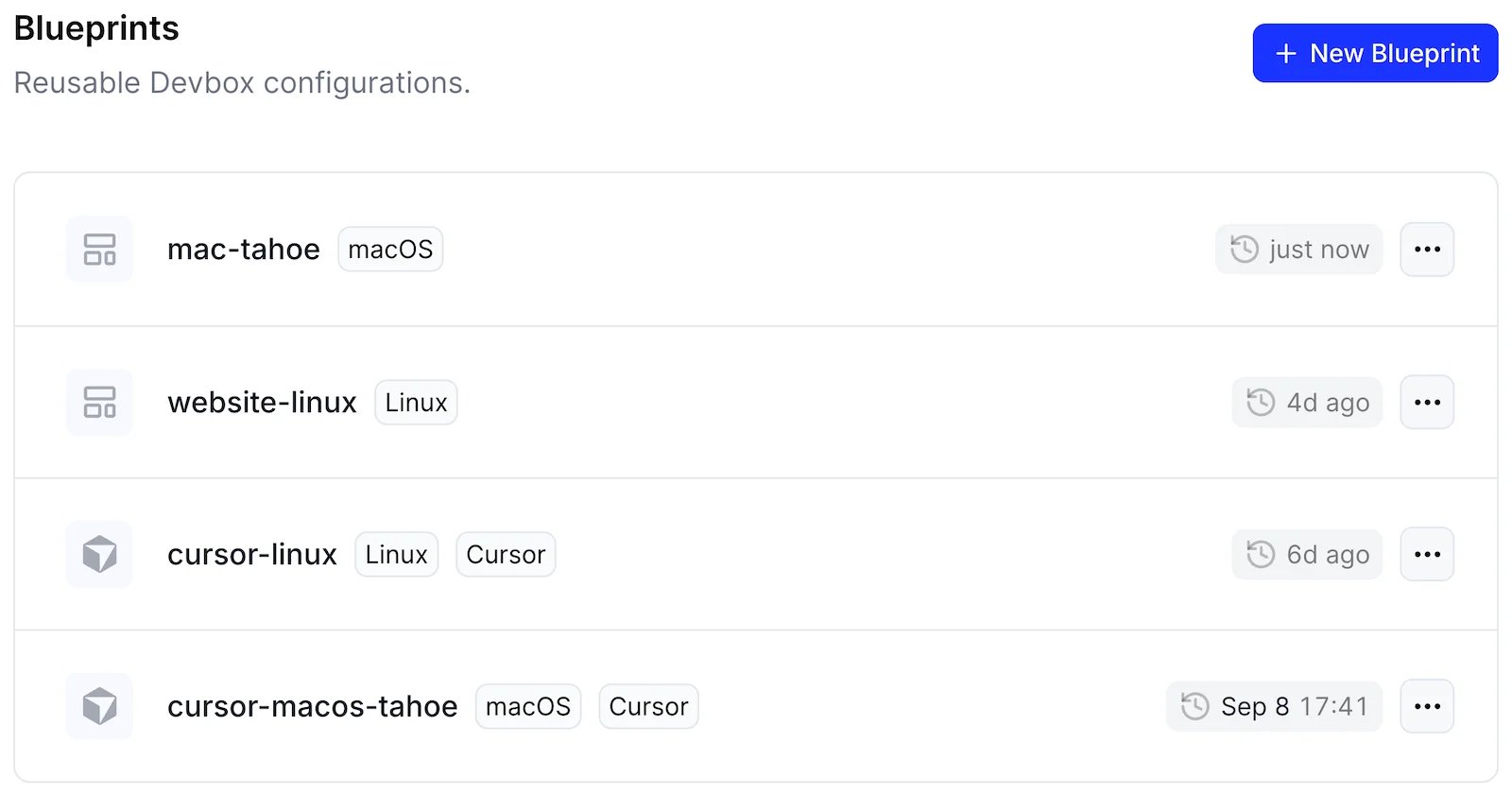
Update a Blueprint
- TS SDK
- Dashboard
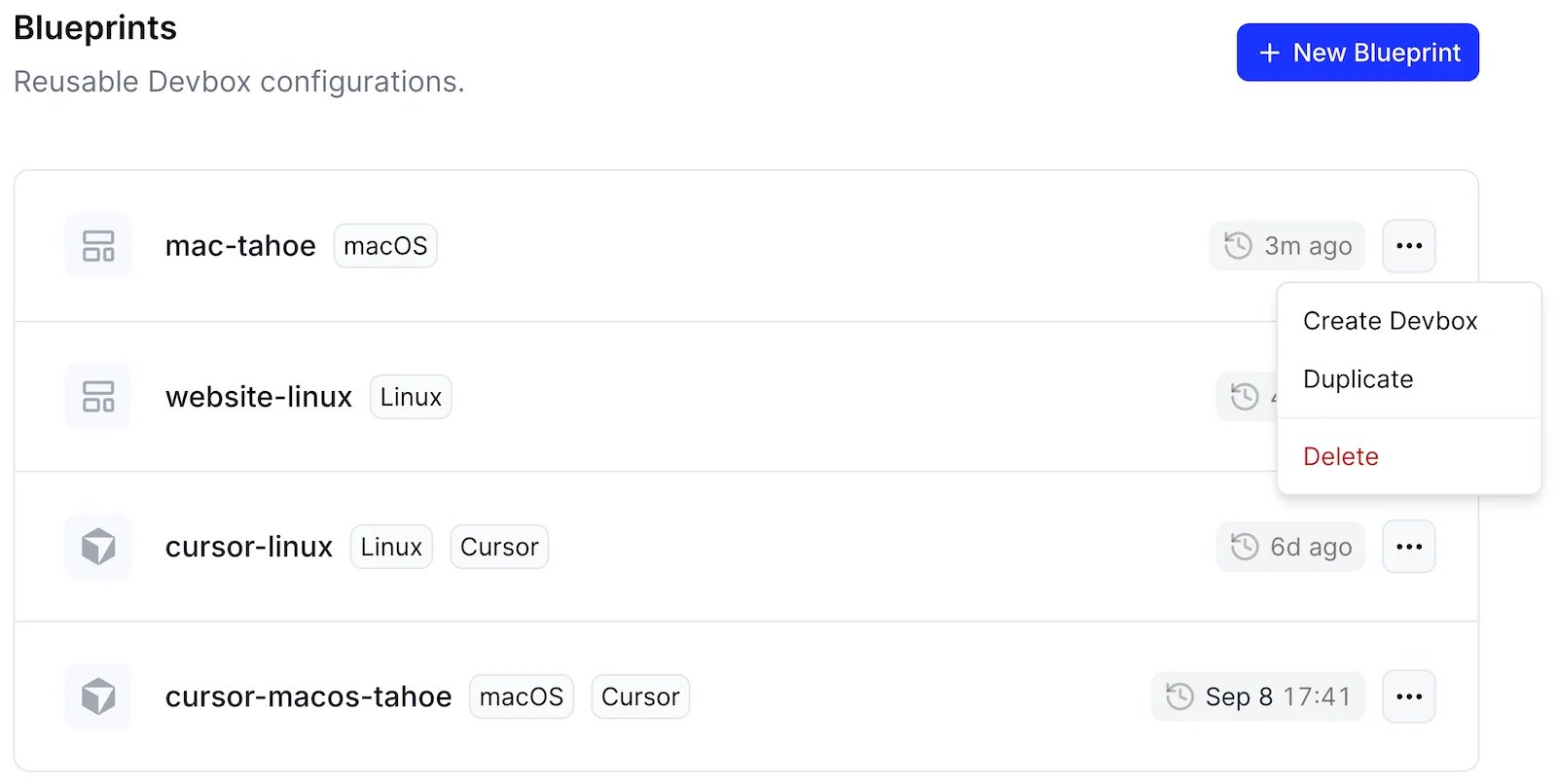
blueprints.update() replaces the entire definition, so spread the current one and override only what changes. Anything you omit is cleared:Delete a Blueprint
- TS SDK
- Dashboard
Additional configuration
When creating or updating blueprints, you can configure additional settings.Ephemeral
Devboxes can be created as ephemeral, tying their instance and storage to a single run. When an ephemeral Devbox stops, both its instance and storage are automatically deleted. On restart, it starts fresh. Ephemeral Devboxes suit short-lived tasks or experimentation where you don’t need to retain data across restarts.- TS SDK
- Dashboard
true to control how long the stopped Devbox is retained.
Repository
Devboxes can be configured to automatically clone a GitHub repository when they are created.- Dashboard
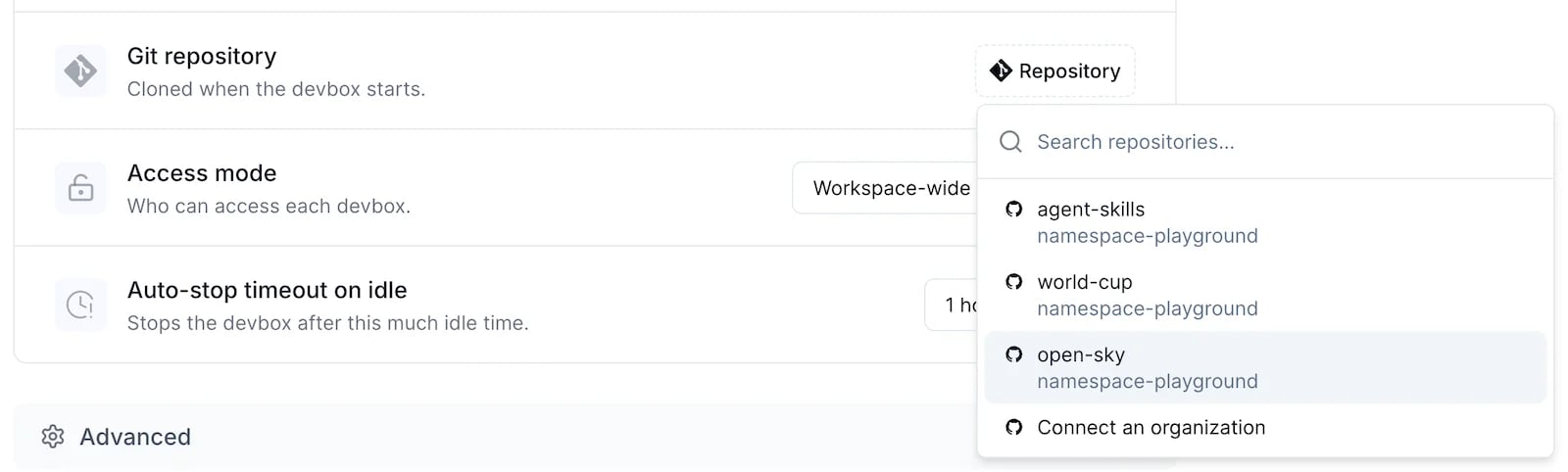
repository when you create the Devbox instead.
Idle timeout
Devboxes will go to sleep after a period of inactivity, which is configured with Auto-stop timeout on idle.- TS SDK
- Dashboard
busyTimeoutMs is the idle timeout, expressed in milliseconds: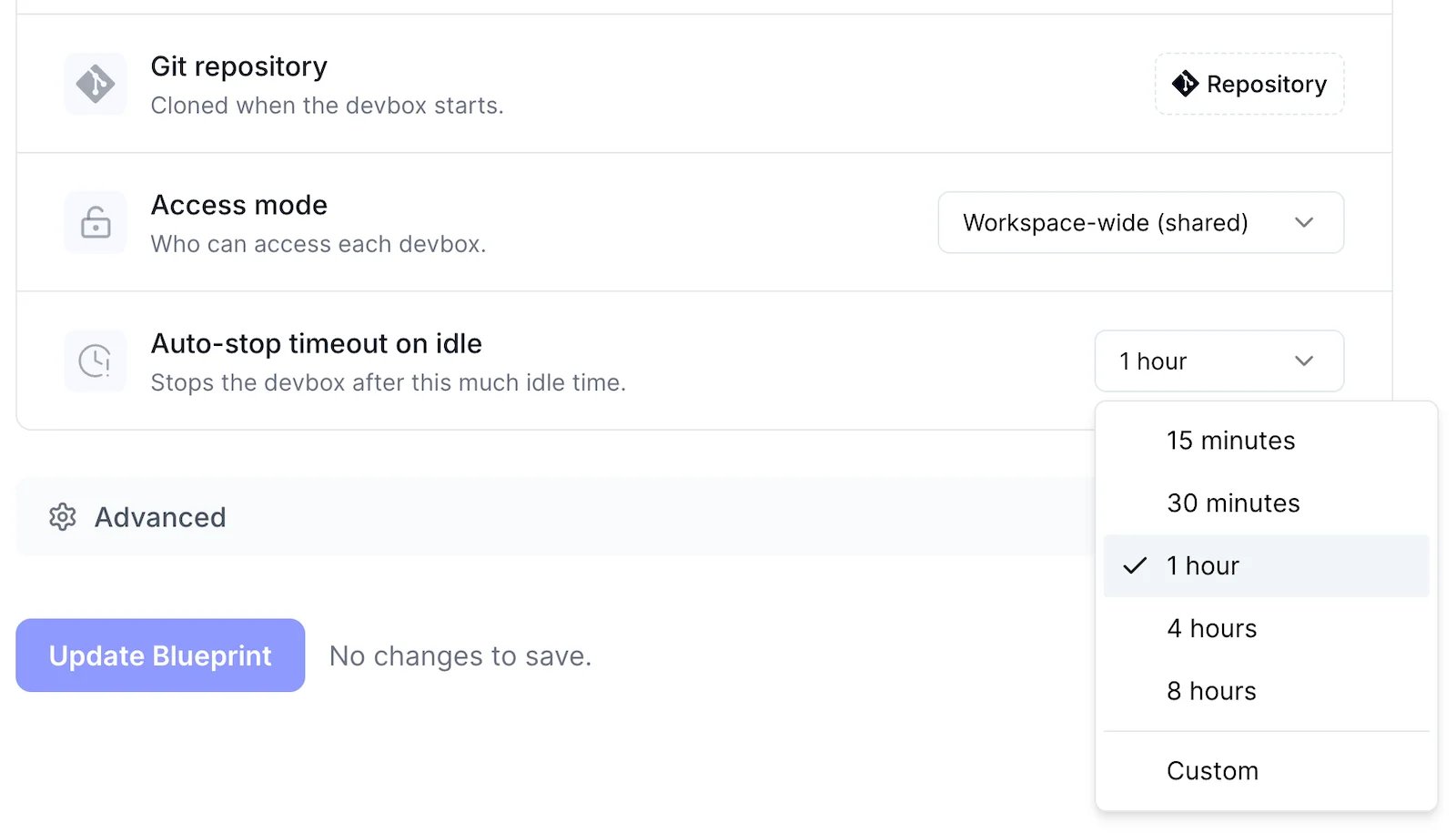
Tailscale
Devboxes support Tailscale out of the box. With Tailscale, a Devbox can reach private resources on your network that are not exposed to the internet, such as internal package registries, databases, staging services, or a self-hosted Git server. This lets you build and test against your internal dependencies without opening those services publicly. Combined with egress filtering, you can keep the Devbox’s outbound access limited to your tailnet and a short list of allowed domains, so it only reaches what a task actually needs. See the Tailscale Integrations for instructions on how to configure it in your workspace.Environment variables
You can populate your Devbox’s environment variables by providing:- Environment Variables - values are provided in plain text
- Secrets - loads secret values from the Namespace vault
- TS SDK
- Dashboard
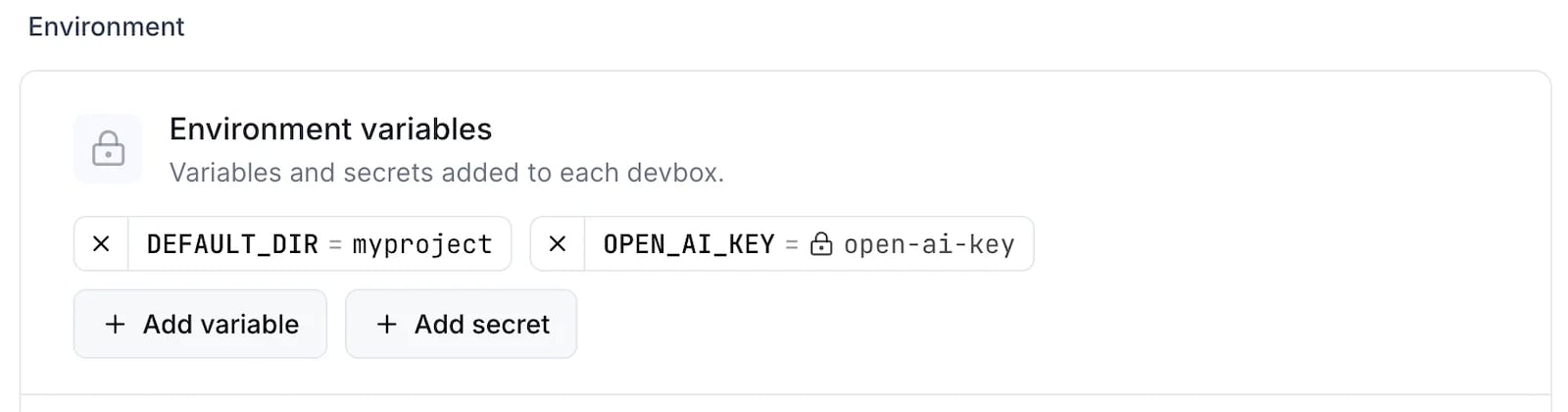
Egress filtering
Egress filtering restricts the outbound network access of a workload to a list of allowed domains. This is useful when a Devbox should only reach the source hosts, package registries, model APIs, or other services that a task actually needs. Everything else is guaranteed to be blocked.- TS SDK
- Dashboard
advisory: true to report violations without enforcing them.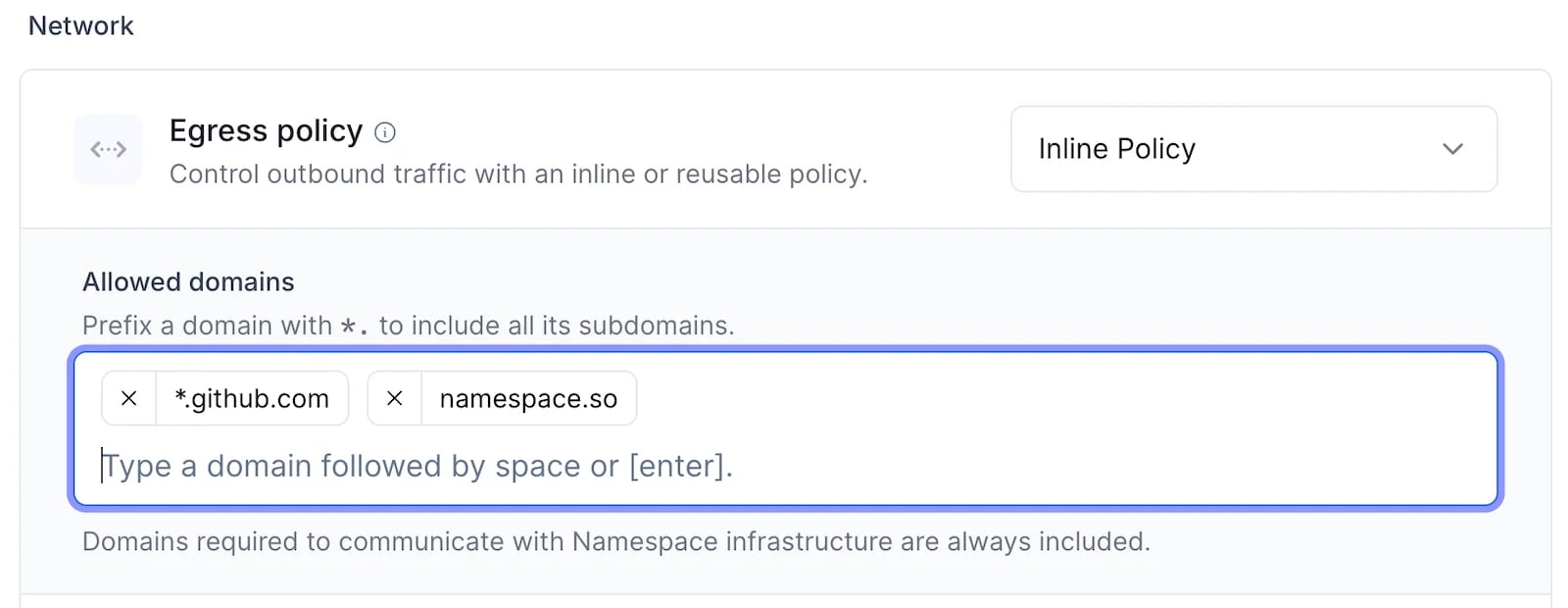
Initialization
A blueprint can run commands as its Devboxes come up: an init script once when a Devbox is first created, terminal sessions every time one starts, and services that the Devbox keeps running and restarts if they fail. All three are configured on the new or edit blueprint page.Init script
The init script runs once, when a Devbox created from the blueprint is first initialized. Use it for setup that only needs to happen on a fresh Devbox, such as installing dependencies.- Dashboard
Expand Update script, then enter the commands to run: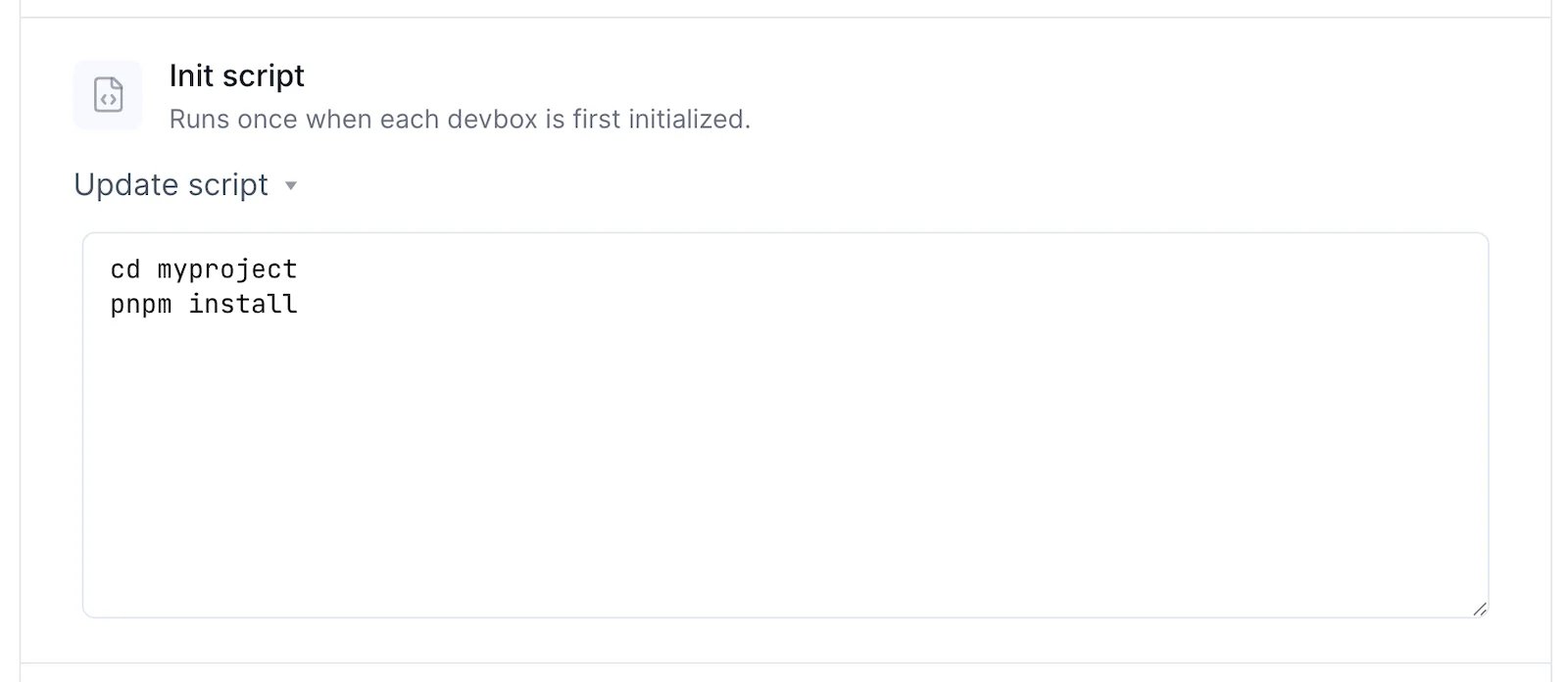
Sessions
A session starts a tmux session every time a Devbox created from the blueprint starts, and runs the command you give it. Use one for a process you want to come back to, such as a dev server.- Dashboard
Press + Add session, give the session a name and a command, then press Add: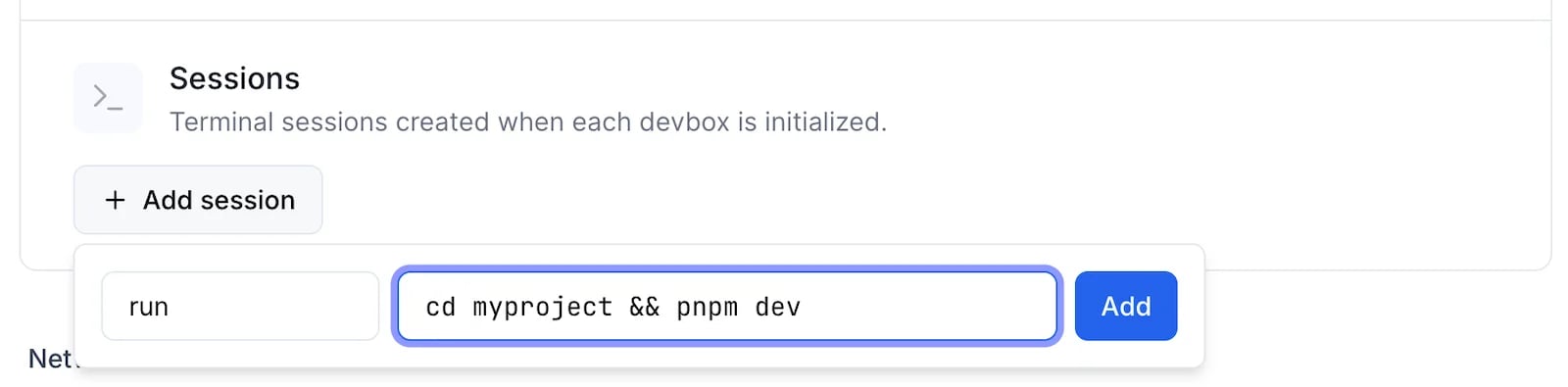
Services
A service is a command that the Devbox supervises: it starts the command on every boot, restarts it if it fails, and retains its logs. Use one for a process that should keep running without a terminal, such as a dev server or a file watcher.- TS SDK
- Dashboard
A blueprint definition in the TypeScript SDK has no services field. Create services on a running Devbox with
devbox.services.create() instead.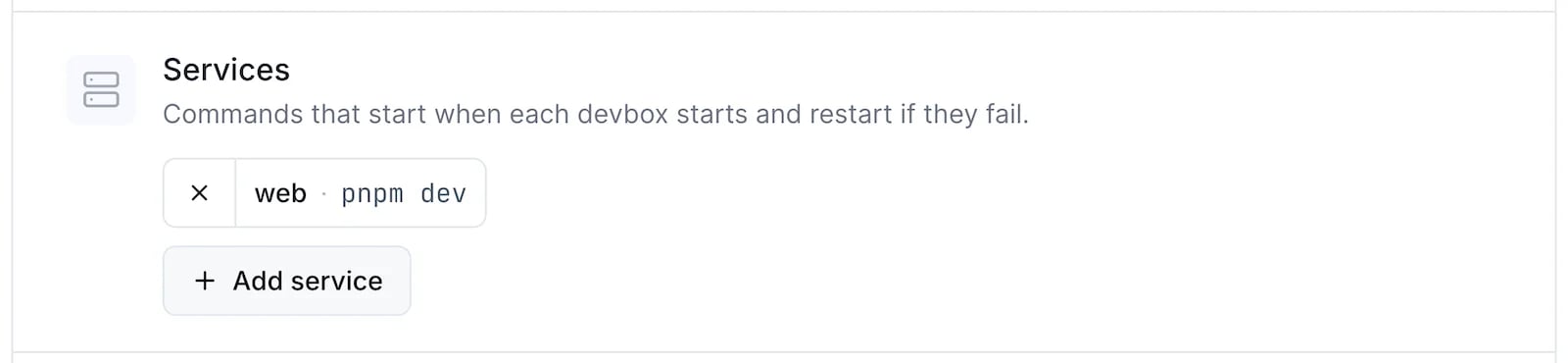
Workspace Defaults
Workspace admins can set default values applied to all newly created Devboxes. Navigate to the Defaults page in the dashboard to configure: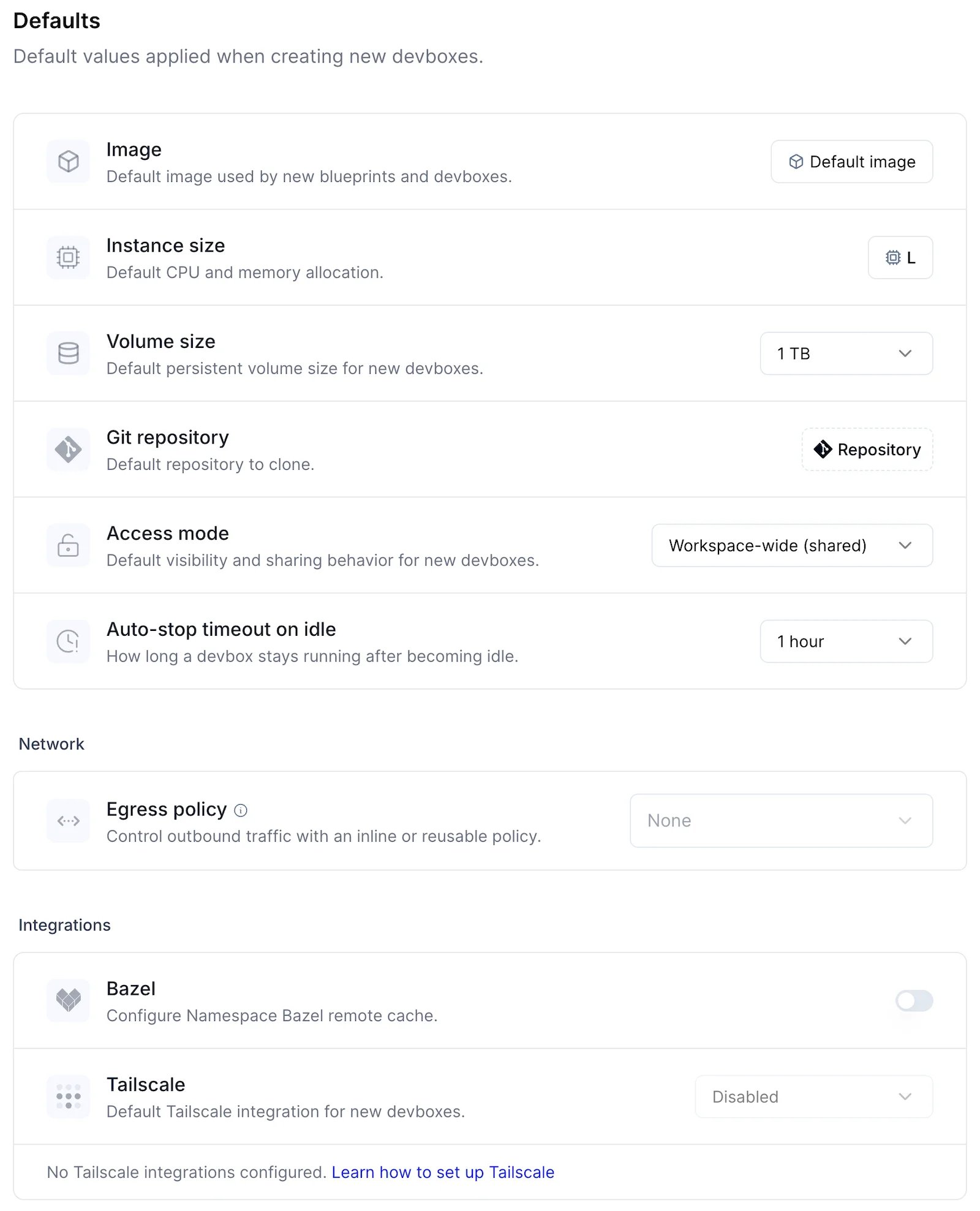
- Image: default base image, which also determines the operating system (Linux or macOS)
- Instance size: default CPU and memory allocation
- Volume size: default persistent volume size for new Devboxes
- Git repository: default repository to clone
- Access mode: private (just you) or workspace-wide (shared with all members)
- Auto-stop timeout on idle: how long Devboxes stay running when idle
- Egress policy: default outbound network access restrictions
- Bazel: enable Bazel integration to share Bazel cache across Devboxes
- Tailscale: default Tailscale integration spec to connect Devboxes to your tailnet