

VNC integration
Access your Mac runners through Remote Display (VNC) directly from the Namespace dashboard.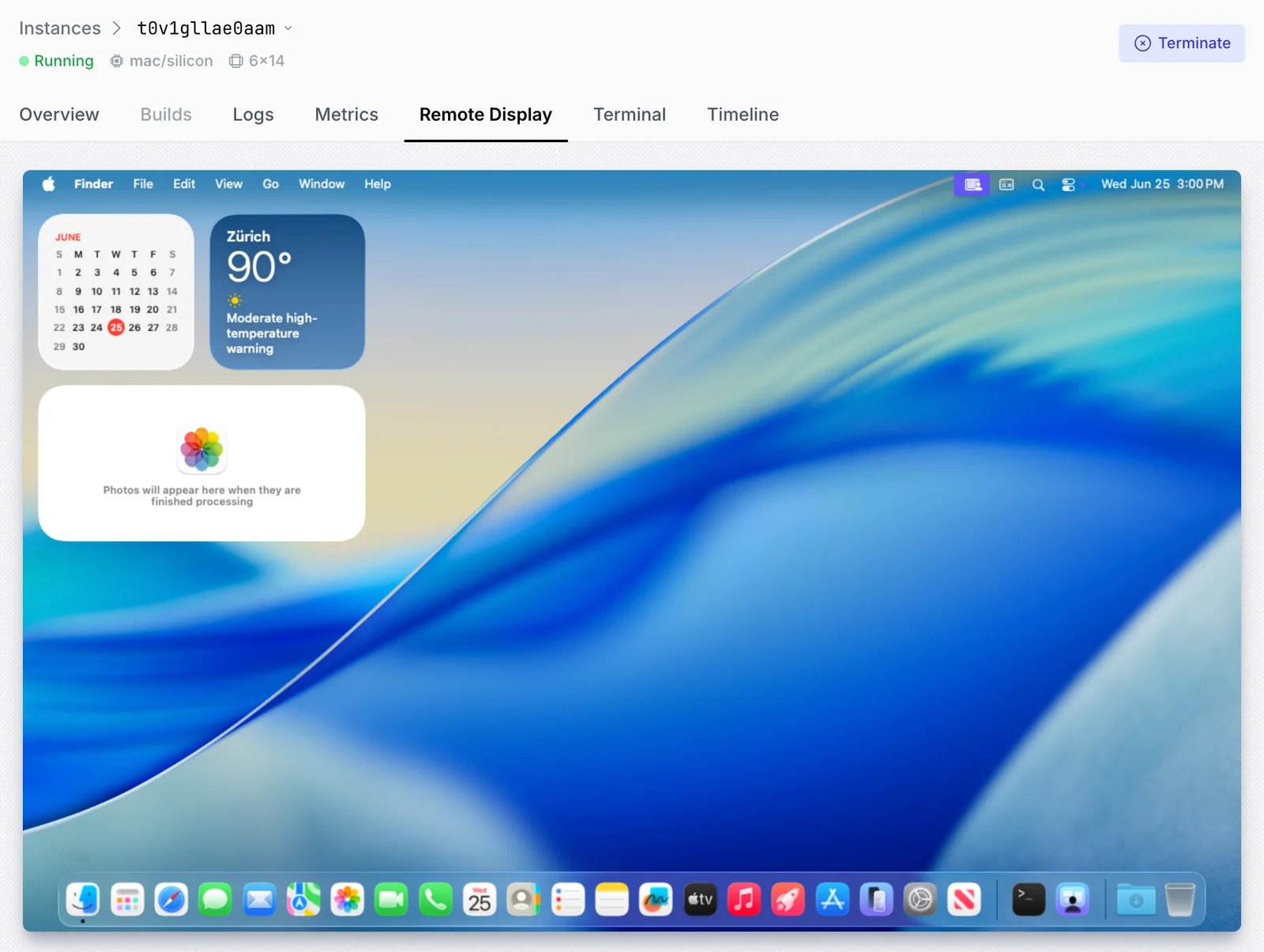
Identify the runner instance id
Open the Set up job step in your job logs. The instance id can be found in the runner name.
Runner name: 'nsc-runner-<instance-id>'You can also look up which instance ran which job in our dashboard.Start a VNC session
To connect to the runner instance, you can use our CLI.
RDP access
To gain interactive, visual access to your Windows runners, you can rely on our RDP integration.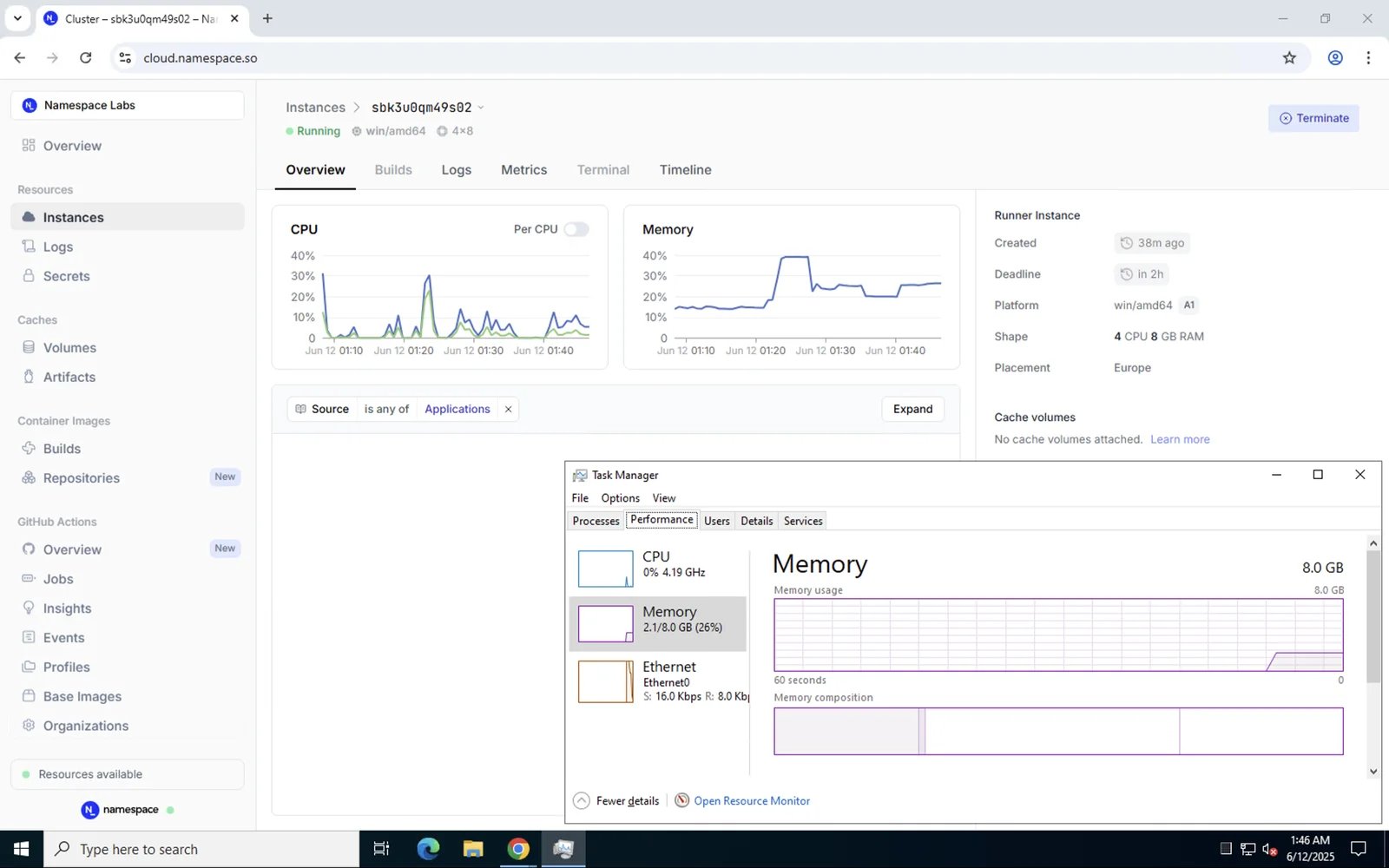
Identify the runner instance id
Open the Set up job step in your job logs. The instance id can be found in the runner name.
Runner name: 'nsc-runner-<instance-id>'You can also look up which instance ran which job in our dashboard.