When your job starts up, it first downloads the actions it needs to run. Namespace can cache these downloaded action archives on a cache volume, so subsequent runs skip the repeated downloads.

Caching action downloads

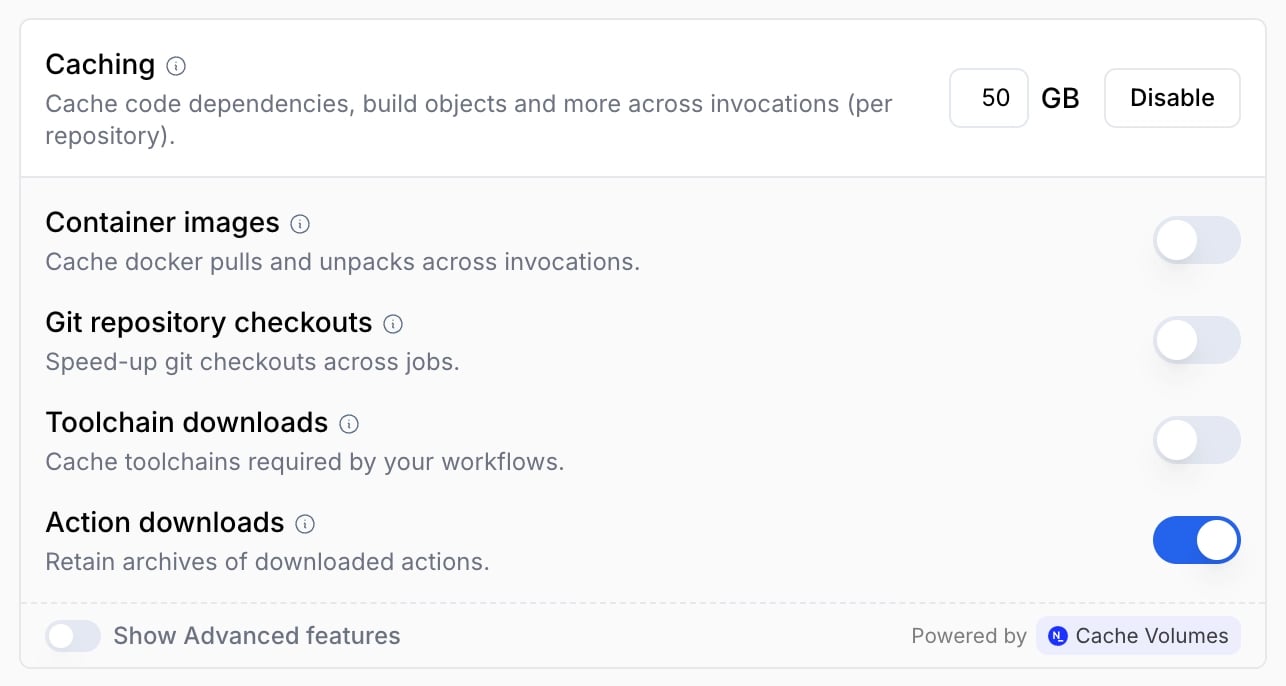
To start caching action downloads, ensure the corresponding option is checked in your profile configuration. Turning caching on, sizing a volume, sharing it, and giving it a custom identity are covered on the Cache Volumes overview. There is no dedicated per-feature label for action-download caching; it is enabled by the general cache-enabling label described there.
Replacing actions/cache

Separately, nscloud-cache-action serves as a drop-in replacement for actions/cache that stores data on a cache volume instead of transferring it to and from remote storage.

Next steps

Last modified on September 15, 2026