

The Life of a Devbox
A Devbox is a machine you come back to. You create it once, work in it over days or weeks, and it stops when nobody is using it.Create a Devbox
Give the Devbox a name, an image, and a size. Anything you leave out falls back to your workspace defaults.The Devbox is running and ready to connect to as soon as it is created.macOS Devboxes run on Apple Silicon from a Namespace-managed image, so you choose a macOS and Xcode version rather than supplying your own image. They support the M and L sizes only. See
- CLI
- TS SDK
- Dashboard
Run Or pass the values as flags to skip the prompts:For a macOS Devbox, use
devbox create to be prompted for each value:--platform macos and pick a macOS image: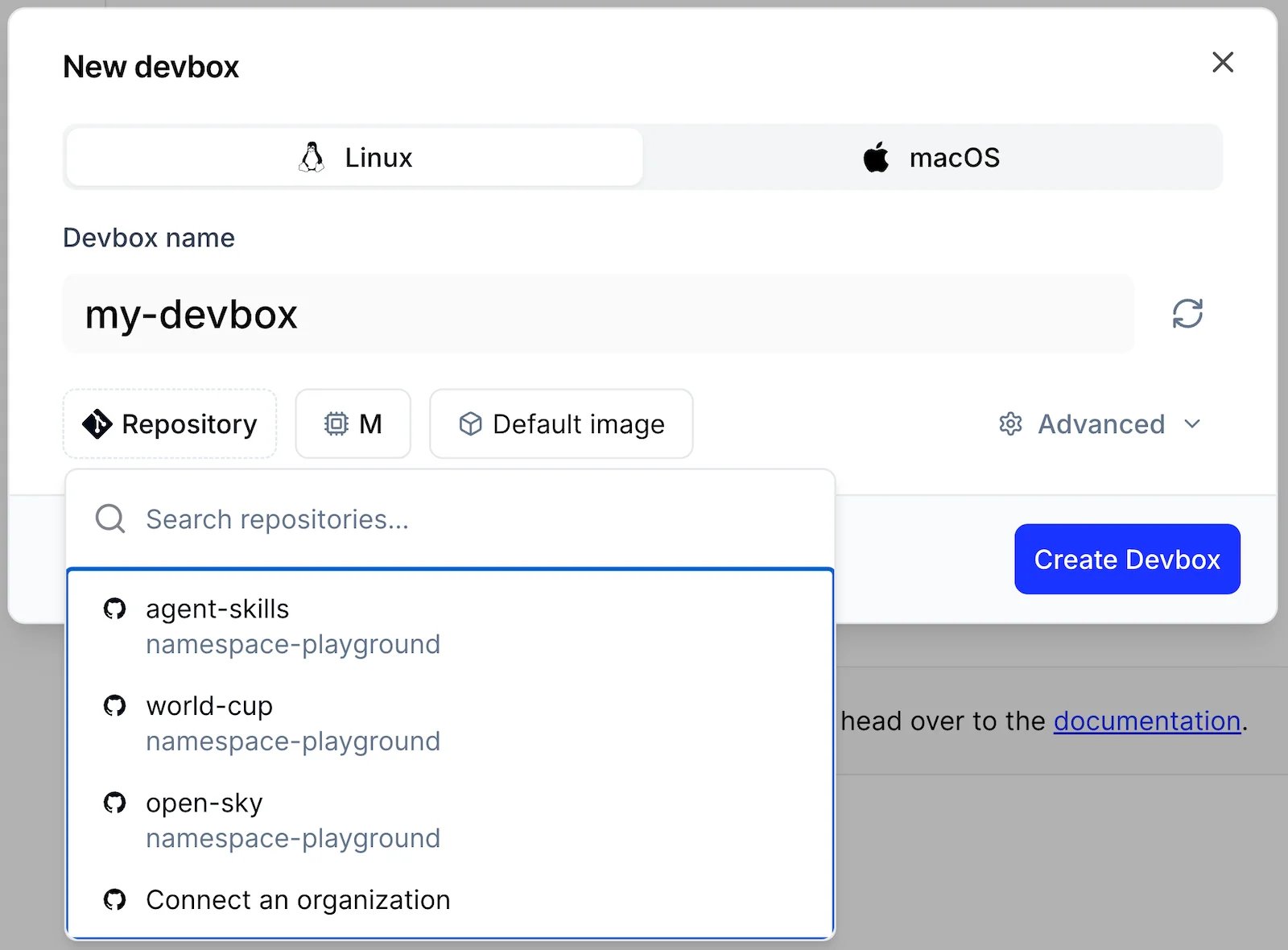
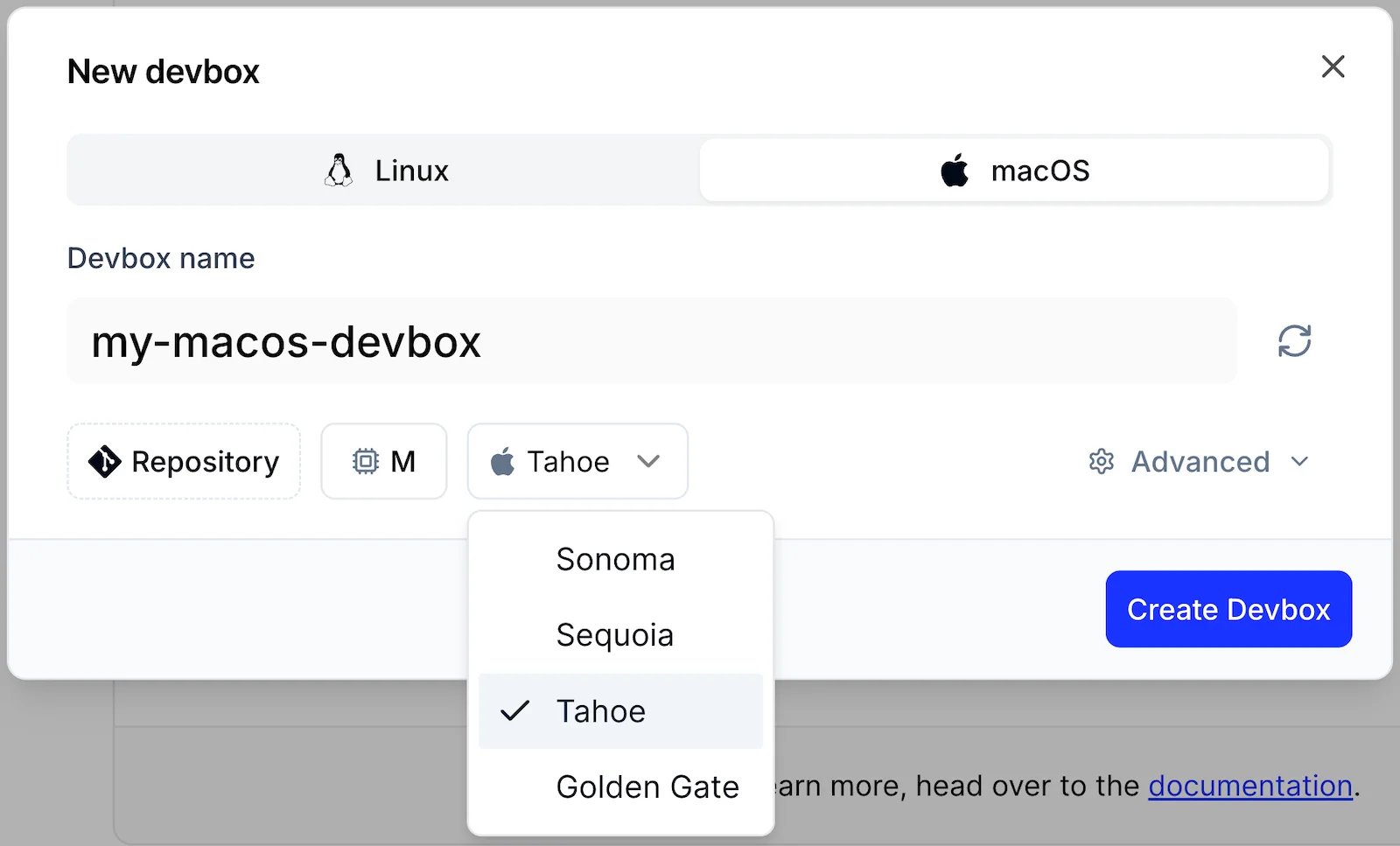
devbox create for every option.Find it again
Come back later and list your Devboxes to see which ones exist and whether they are running:This shows only your Devboxes. See
- CLI
- TS SDK
- Dashboard
devbox list for JSON output and for including other members’ Devboxes.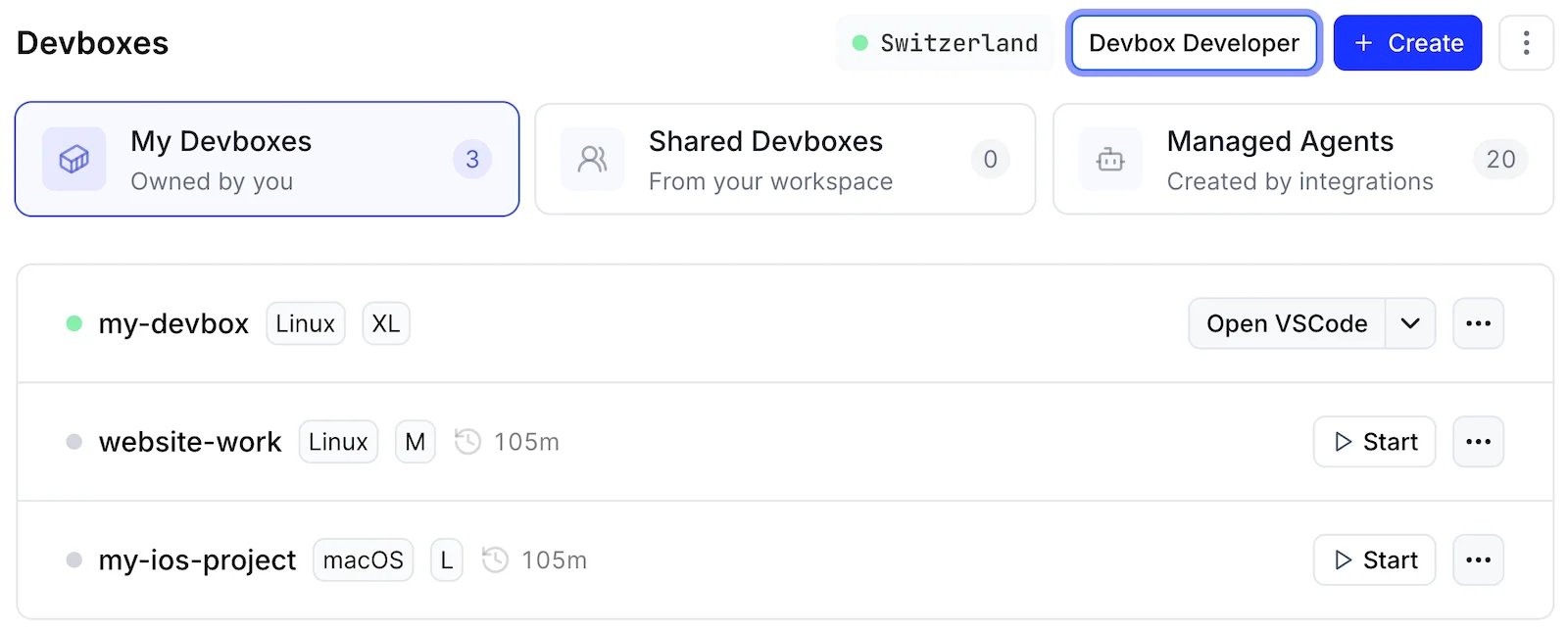
Stop it and pick up later
When you are done for the day, stop the Devbox. It keeps its persistent storage, and you usually do not need to start it by hand: connecting to a stopped Devbox starts it again.To pick up where you left off, connect to it. The CLI starts the Devbox first:You do not have to remember to stop it. A Devbox also stops on its own after it has been idle for a while, see Let Idle Devboxes Stop on Their Own.
- CLI
- TS SDK
- Dashboard
devbox ssh and devbox open-ide start a stopped Devbox in the same way.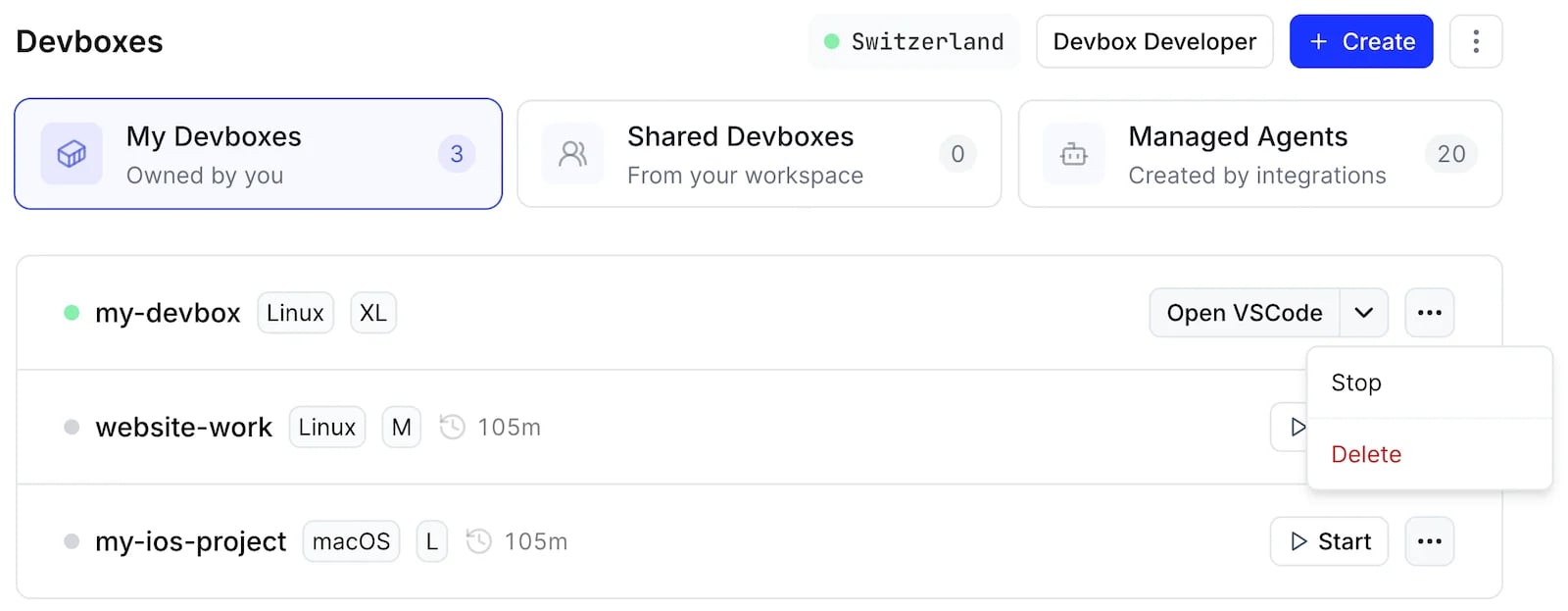
Delete it when you no longer need it
Deleting a Devbox removes it and its persistent storage. Copy out anything you want to keep first, because this cannot be undone.The CLI asks you to confirm. See
- CLI
- TS SDK
- Dashboard
devbox delete to skip the confirmation.Create from a Blueprint
Once you create Devboxes regularly, you can stop repeating the same flags. Save the configuration as a Blueprint in your workspace, and create every new Devbox from it.- CLI
- TS SDK
- Dashboard
--blueprint uses the latest version of the named Blueprint, and cannot be combined with --from or --platform.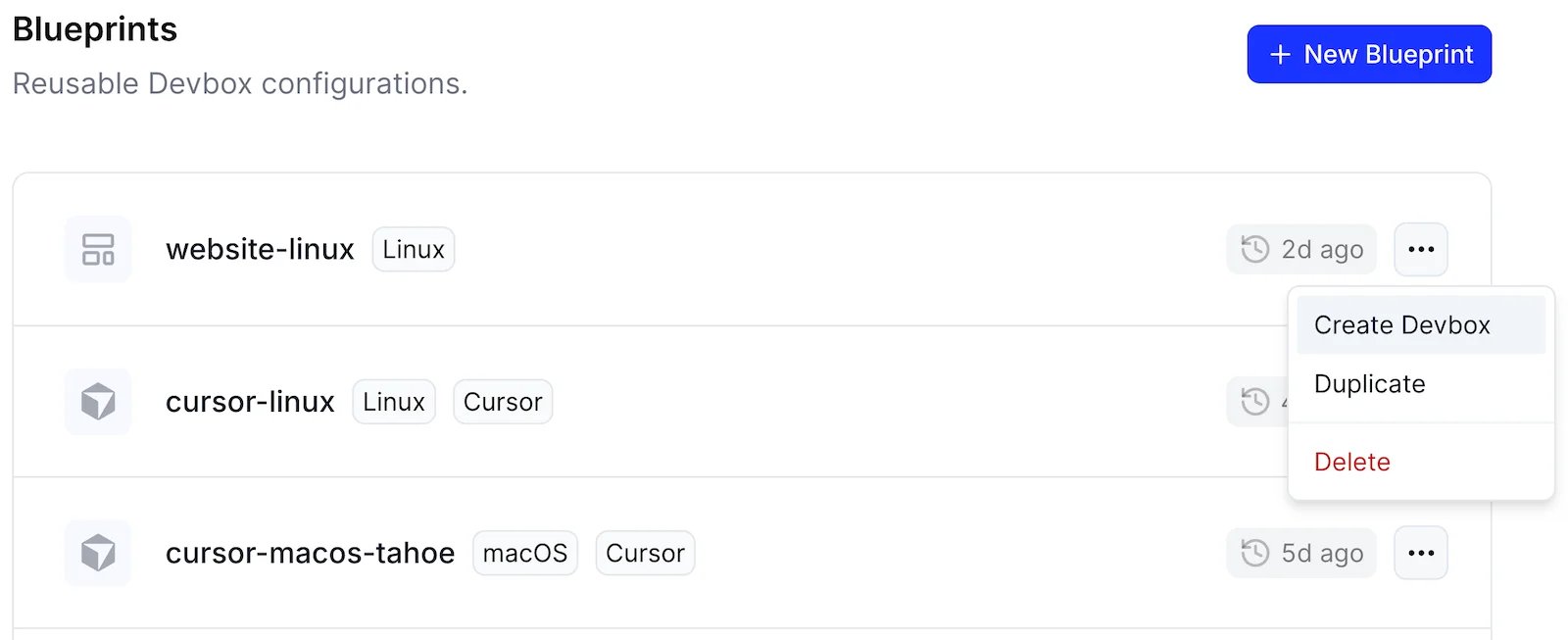
Idle Timeout
A Devbox stops once it has been idle for the length of its idle timeout, so one you forget about does not keep running. Set the timeout when you create the Devbox:- CLI
- Dashboard
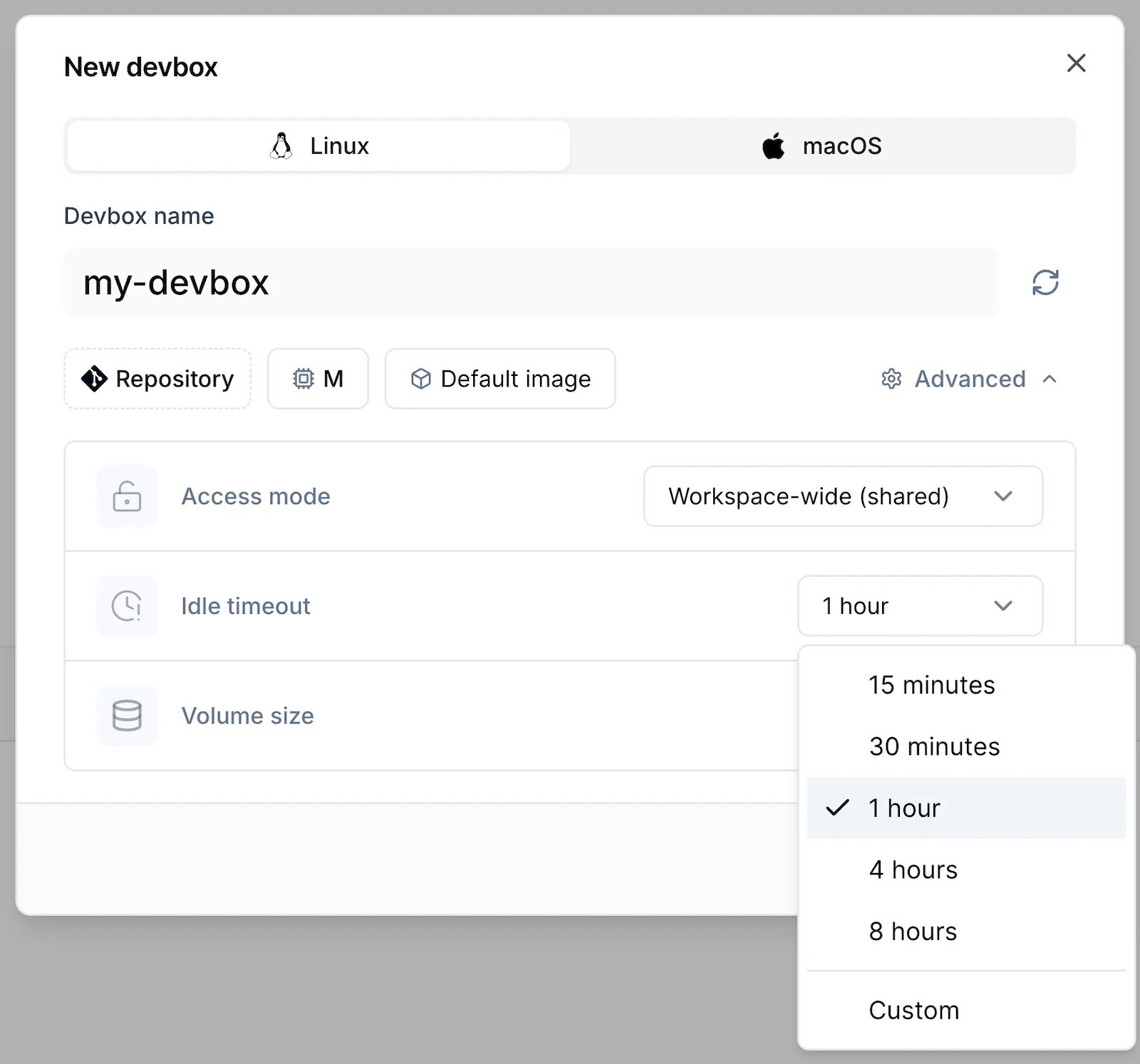
- An SSH connection is open, through
devbox ssh, a native SSH client, or an IDE. - A session was created within the last 15 minutes.
- A task marker exists under
$NAMESPACE_DEVBOX_TASKS_DIR. - A service with idle shutdown prevention enabled is running.
Maximum Duration
Each Devbox has a maximum duration. When it is reached, Namespace shuts down the Devbox’s instance. The maximum duration depends on your plan:
The limit applies even while you are working in the Devbox. An open connection or a task marker does not keep it running past its maximum duration.
To raise your limit, contact support. The maximum duration can be raised up to 24 hours.
Next Steps
SSH & Sessions
Open a shell on a Devbox with SSH or a session.
Blueprints
Save a Devbox configuration for your team.
Running Long Tasks
Keep a Devbox running while a build or an agent works.