

- A dev server:
pnpm dev - Your favorite coding agent in a remote session:
amp --no-tuiorclaude --remote-control - A file watcher, a local database, or an API mock
Manage Services
A service needs a name and a command. The command runs in the Devbox’s default directory unless you choose another one. Service names must be unique on a Devbox. Deleting a service stops it first: the Devbox sendsSIGTERM and kills the process after 15 seconds.
- CLI
- TS SDK
- Dashboard
&& in sh -c '...'. list and describe accept --output json. delete asks for confirmation; pass --force when running without a terminal. See devbox service for every option.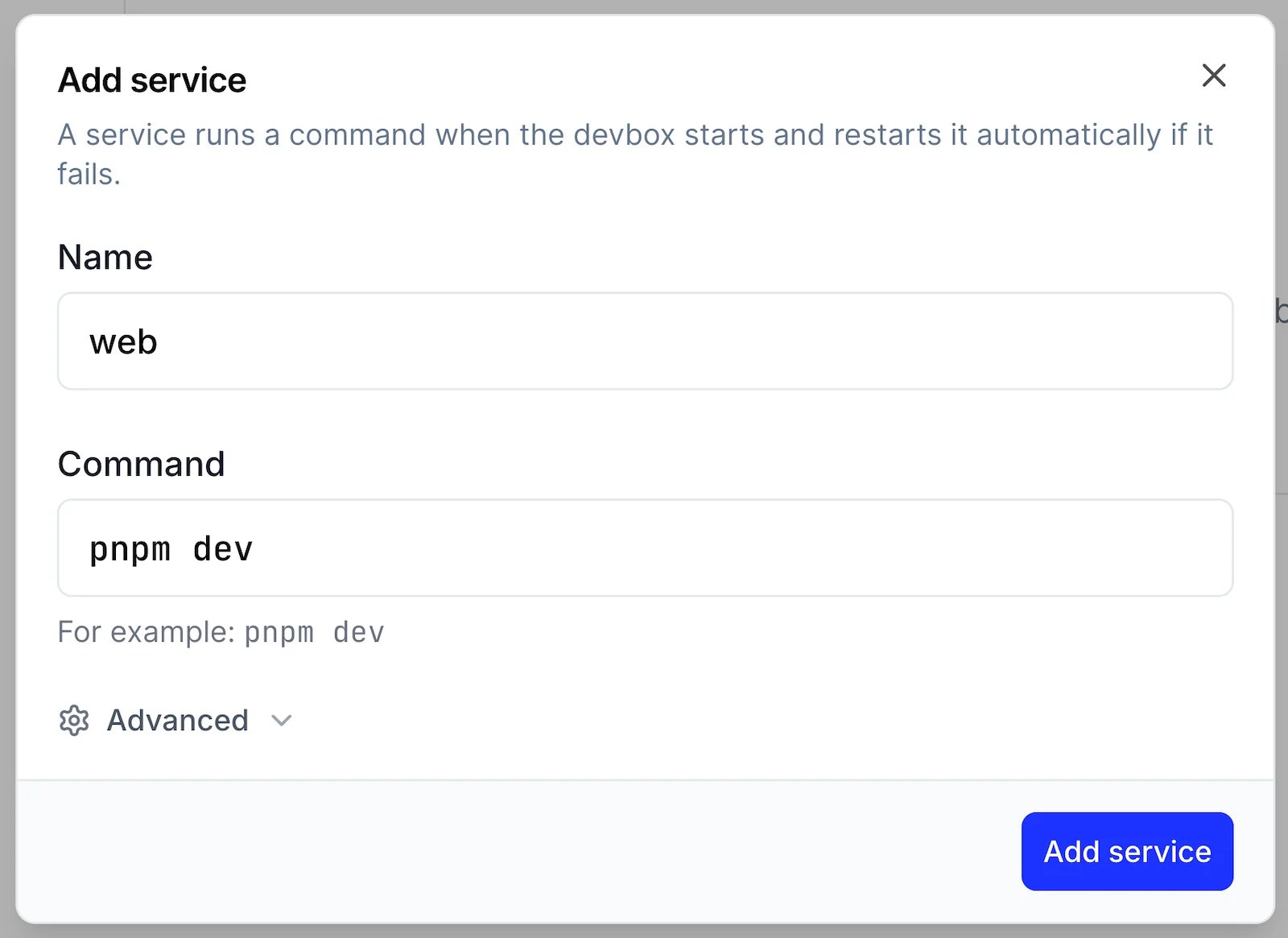
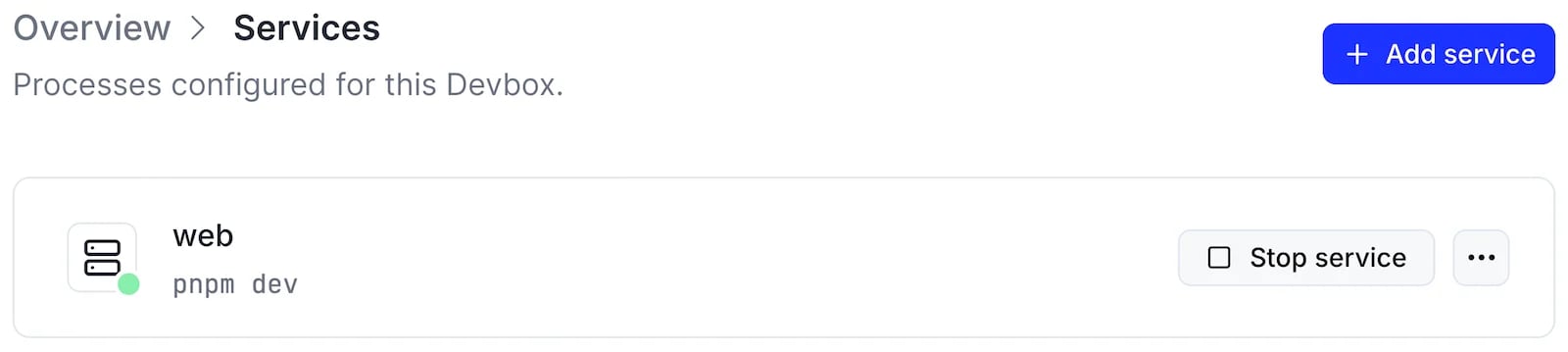
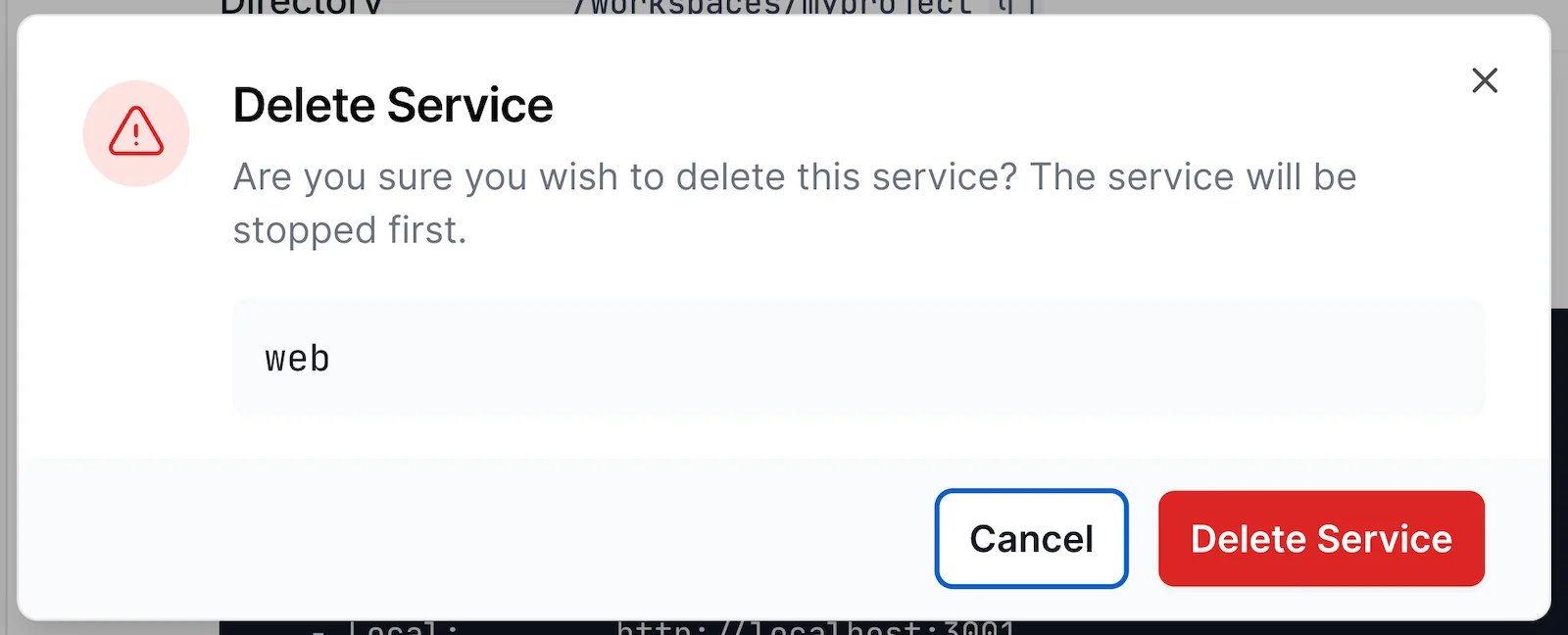
Start and Stop Services
Start and stop a service yourself, or let its policies decide when the Devbox starts it automatically and restarts it after it exits. Stopping a service is durable. A stopped service stays stopped across Devbox restarts until you start it again. By default, the process receivesSIGTERM and is killed if it has not exited after 15 seconds.
- CLI
- TS SDK
- Dashboard
--force to kill the process immediately. Start it again with: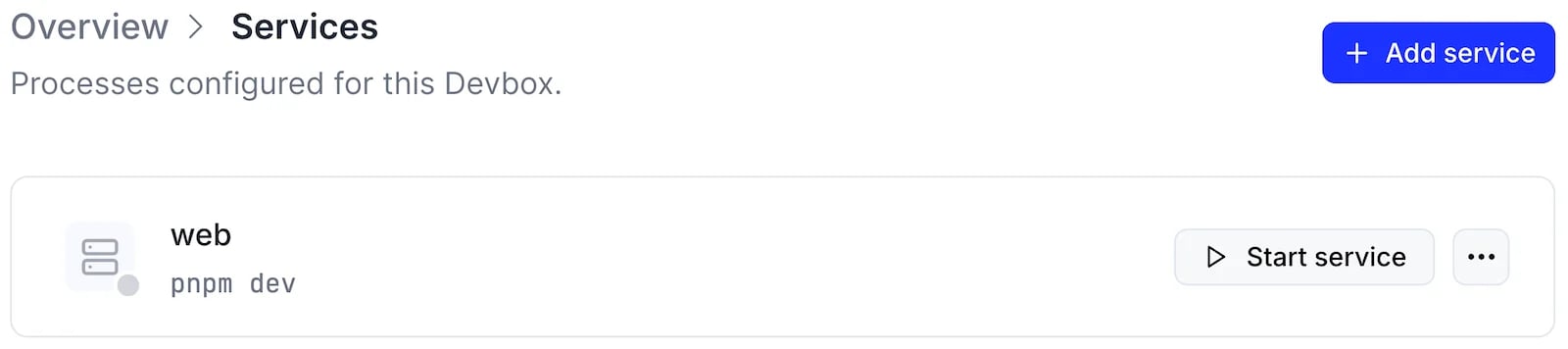
Start and Restart Policies
When a Devbox boots, it starts its services after checking out repositories and running the init script. A service that keeps failing is restarted with an increasing delay, up to about a minute between attempts. The delay resets once the service has run for a minute. Two policies control this behavior:- Start policy:
on-boot(default) starts the service when it is created and every time the Devbox boots.manualstarts it only when you start it explicitly. - Restart policy:
on-failure(default) restarts the service after a non-zero exit.alwaysrestarts it after any exit.neverleaves it stopped, and its status becomesfailedafter a non-zero exit.
- CLI
- TS SDK
- Dashboard
Services created with the CLI use the defaults: they start on boot and restart on failure.
View Service Logs
The Devbox retains the output of each service run. Logs replay what has already been captured, then follow new output until that run exits. After a restart, read the logs again to see the new run.- CLI
- TS SDK
- Dashboard
--no_follow to print the retained output and return.Each service run is also an execution, so it appears in devbox logs list.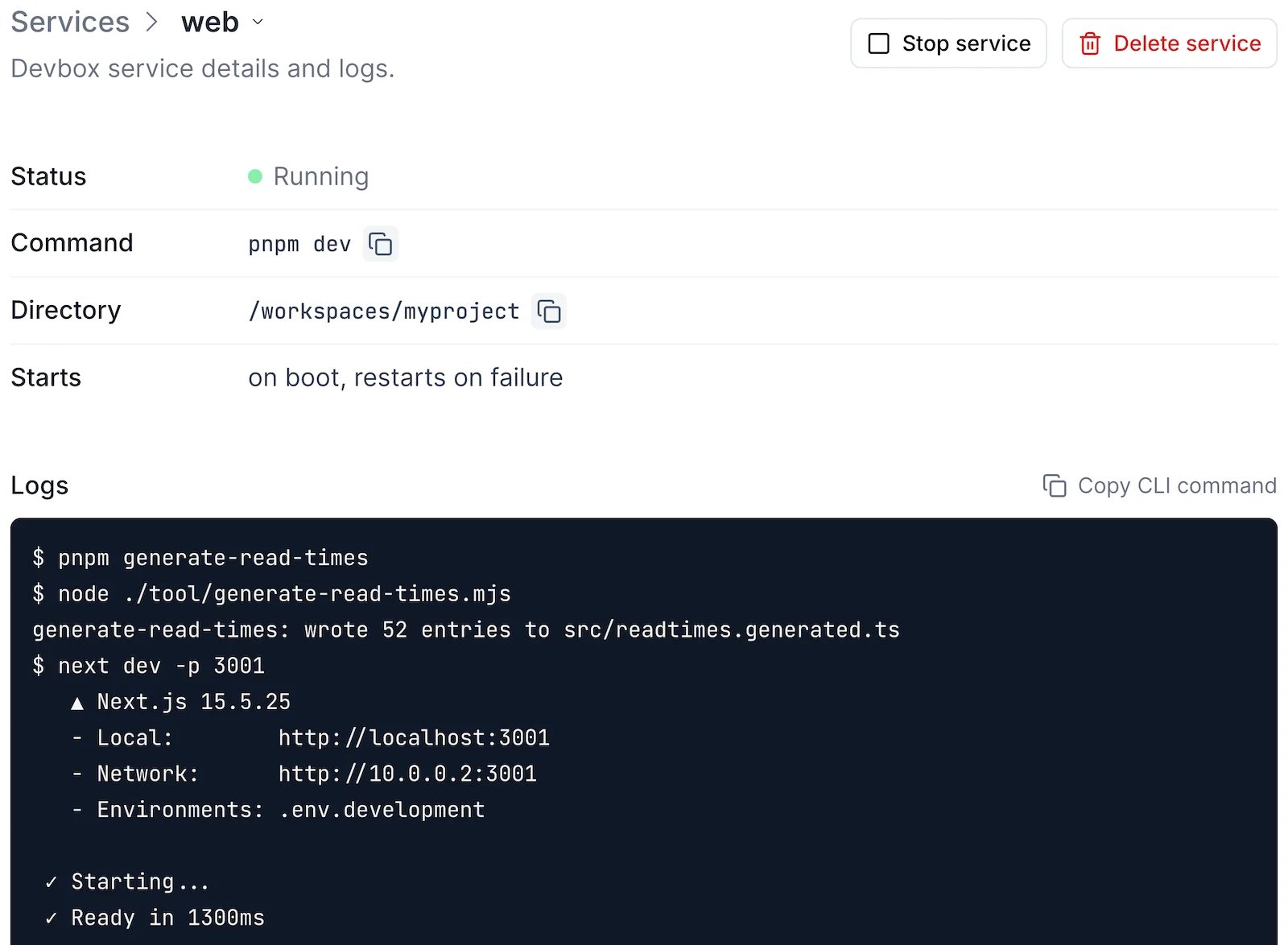
Expose a Service
Expose a service’s HTTP port on a shareable URL to open it in your browser. For a dev server listening on port 3000: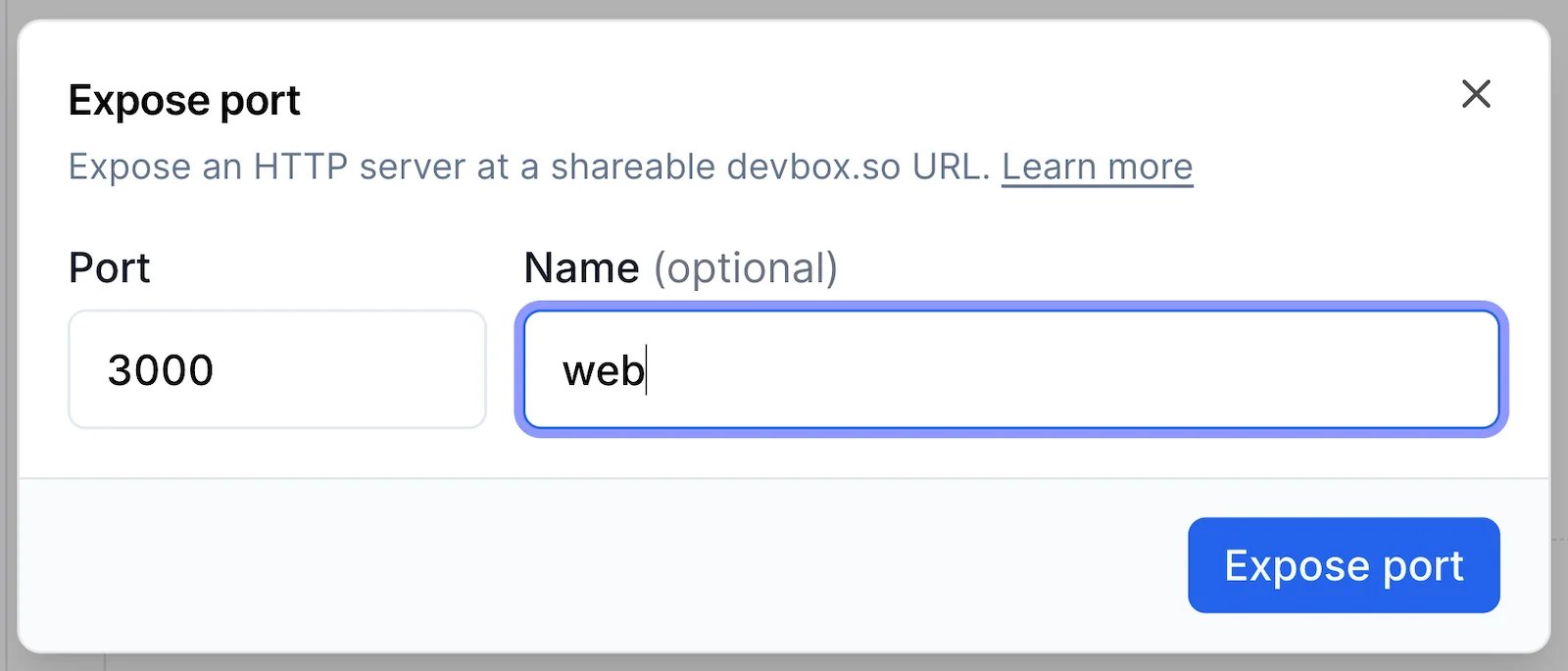
Next Steps
devbox service
Every
devbox service subcommand and option.Blueprints
Define services for every Devbox created from a blueprint.
TS SDK: Run services
Manage services from TypeScript.