

devbox.so URL. Use them to access web applications, APIs, dashboards, and other HTTP endpoints from outside the Devbox.
Unlike port forwarding, a shareable URL does not require a local port or a running CLI process.
Expose a shareable URL
Expose an application running on port 3000 so you can open it in your browser:1
Start a service
Start the HTTP server on your Devbox, for example a web project on port 3000. Run it as a service to keep it running and restart it if it fails.
2
Expose the service
- CLI
- TS SDK
- Dashboard
Output
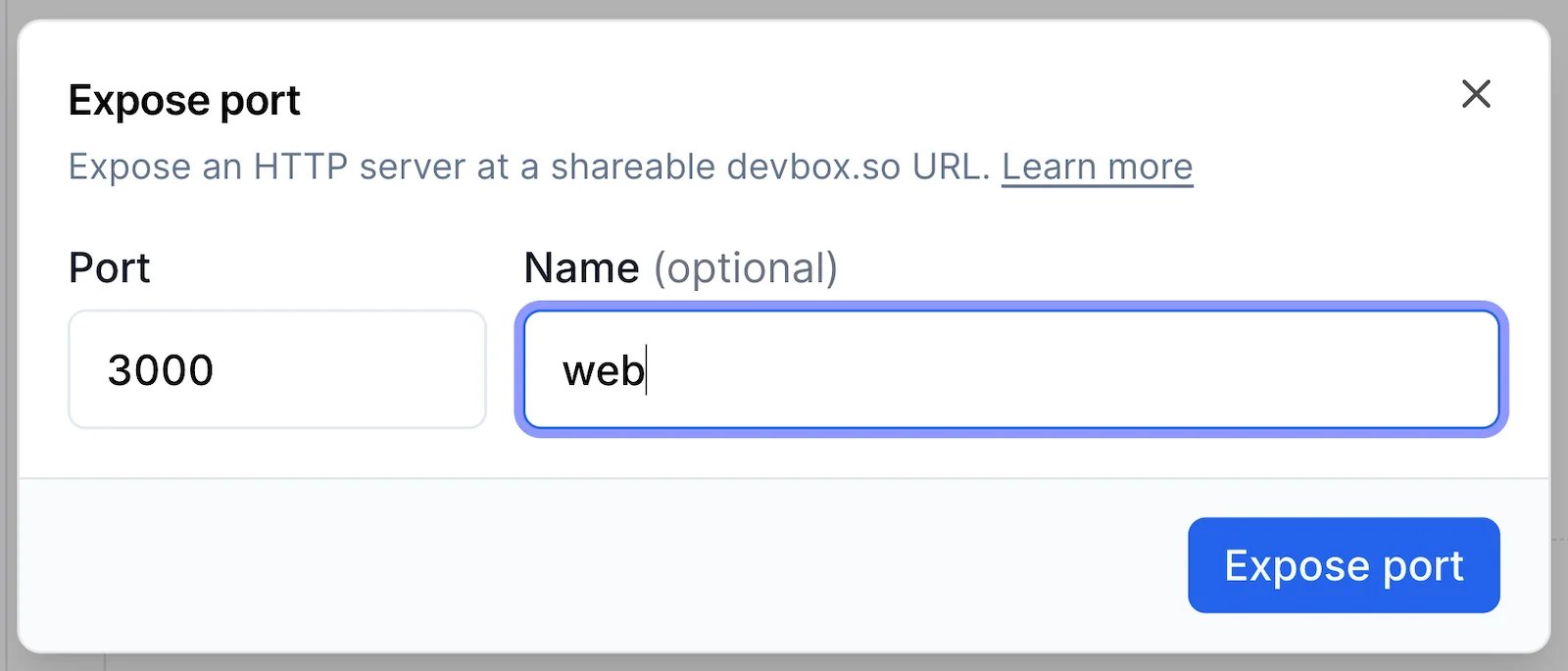
3
Access the service
Open the URL in your browser to access the service.Shareable URLs require authentication, so you will be prompted to log in with your Namespace account if you are not already logged in.
Manage shareable URLs
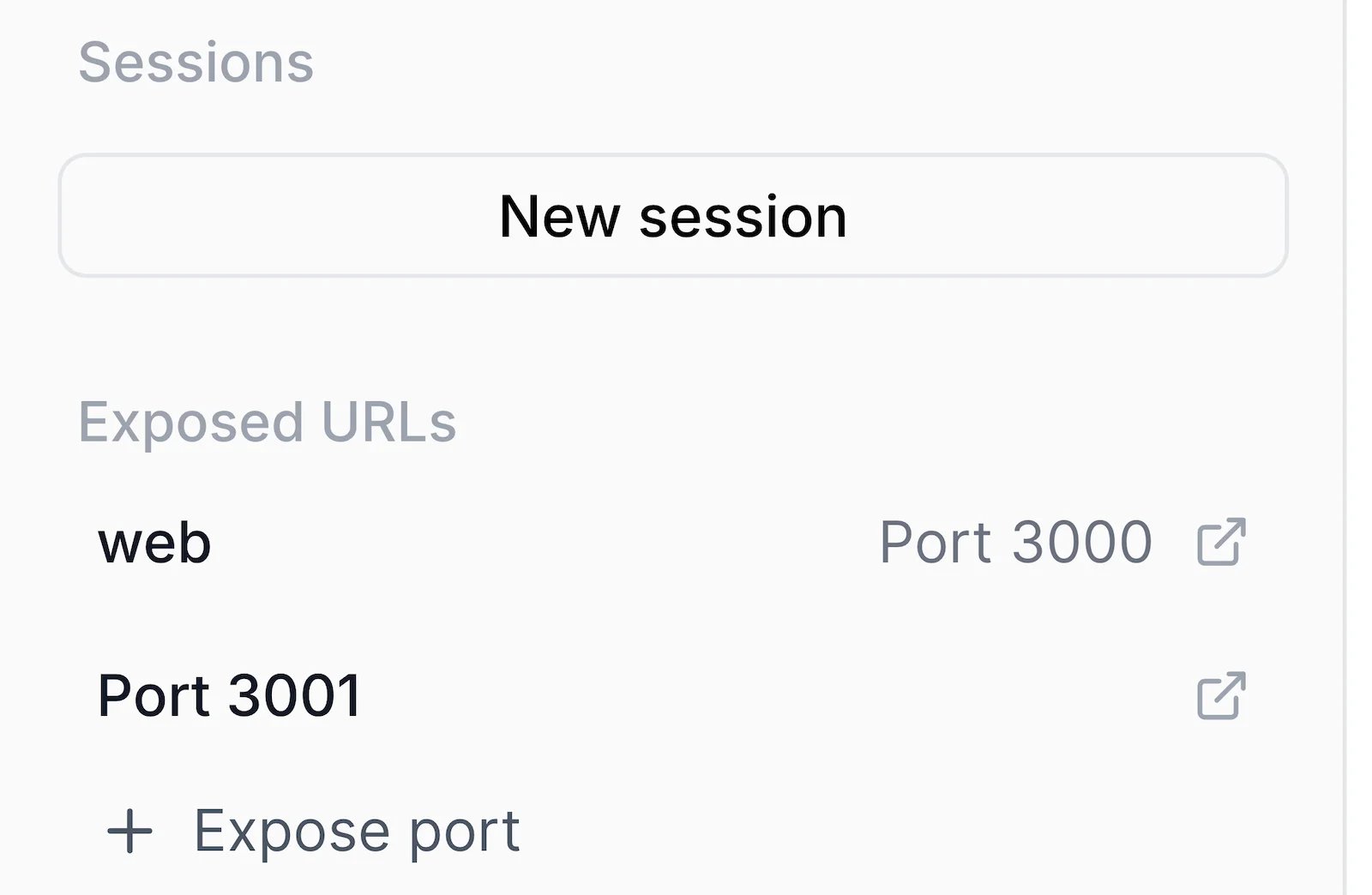
View exposed URLs
- CLI
- TS SDK
- Dashboard
View every shareable URL exposed by the Devbox:Retrieve the shareable URL for a specific port:Retrieve a shareable URL by its assigned name:
Remove a shareable URL
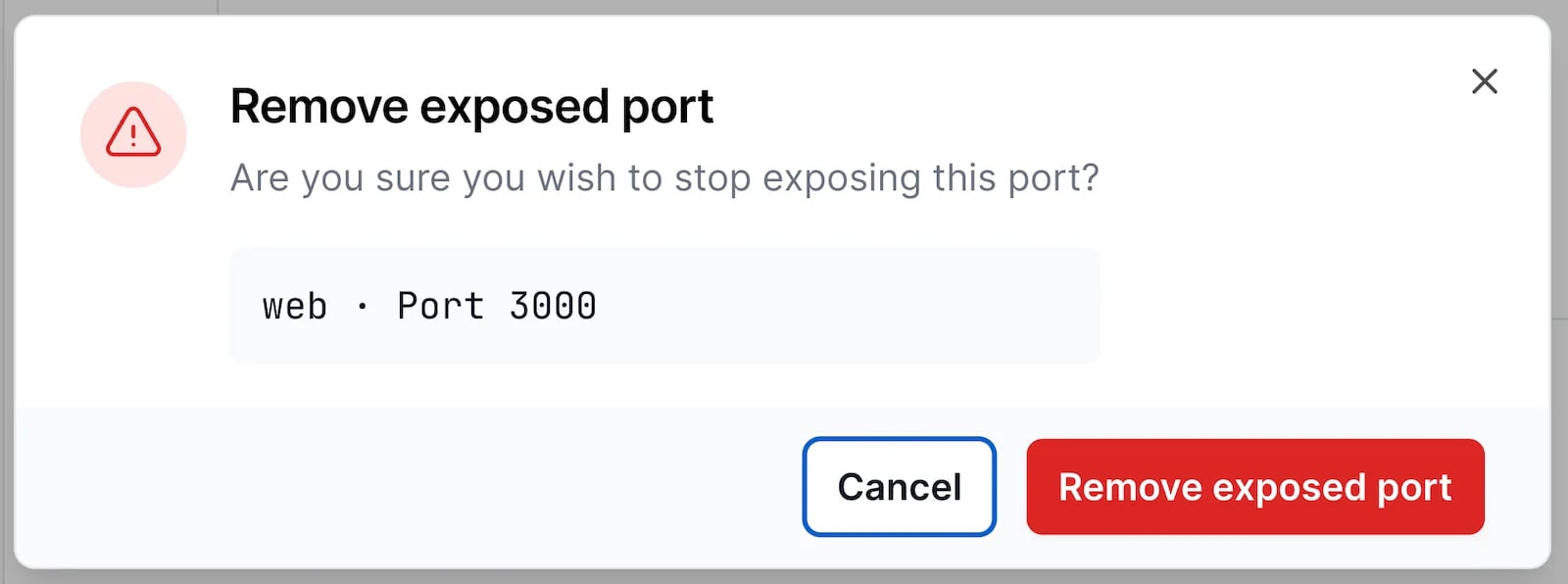
When you no longer need a shareable URL, remove it by port or name. The server behind it keeps running.- CLI
- TS SDK
- Dashboard
Remove the shareable URL for a specific port:Remove the shareable URL for a specific name:
Manage access
Shareable URLs use one access mode for all exposed ports on a Devbox:privatelimits access to the Devbox owner.workspaceallows access to members of the workspace.
devbox url access:
- Check access
- Update access
Output
devbox url CLI reference.
From within a Devbox
Thedevbox CLI is installed and authenticated inside a Devbox, which allows you to expose and manage shareable URLs from within the Devbox shell.
Tell your agent
An agent with the Namespace devboxes skill installed can expose a port and report the URL for you. Ask for the outcome rather than the command:Agent Prompt
devbox url expose, and asks before changing the access mode, since that setting applies to every URL on the Devbox.
Port forwarding
Forward ports from your Devbox tolocalhost. Keep the command running for as long as you need the ports:
local:remote syntax:
devbox port-forward my-devbox without --ports forwards all of them automatically.
See devbox port-forward for every option.
Related topics
devbox url
Review all commands, options, and output formats.
devbox port-forward
Every option accepted by
port-forward.SSH & Sessions
SSH access and SSH config for a Devbox.