Our agents needed their own computer. So we built one.

There's a specific frustration that comes from watching a progress bar you didn't mean to create. You handed off the work. The agent is handling it. And somehow you're still blocked.
Last month I asked AMP to add retry logic to one of our GitHub Actions and write the tests. It built a testing server, a full workflow, everything. I would have spent half a day on the test fixtures alone. But while AMP worked, my computer was occupied. Move on and kill the session, or wait it out. That was the choice and it kept happening.
So we built the agent its own cloud computer.
Introducing Devboxes
Most current cloud development environments optimize for developer onboarding or ensuring consistent environment setups across a team. That wasn’t what we wanted though. We wanted fast, ephemeral, isolated compute. Where you can spin up a task and walk away. We wanted something closer to what our CI gave us. Except instead of running a pipeline, we (or an agent) are writing code.
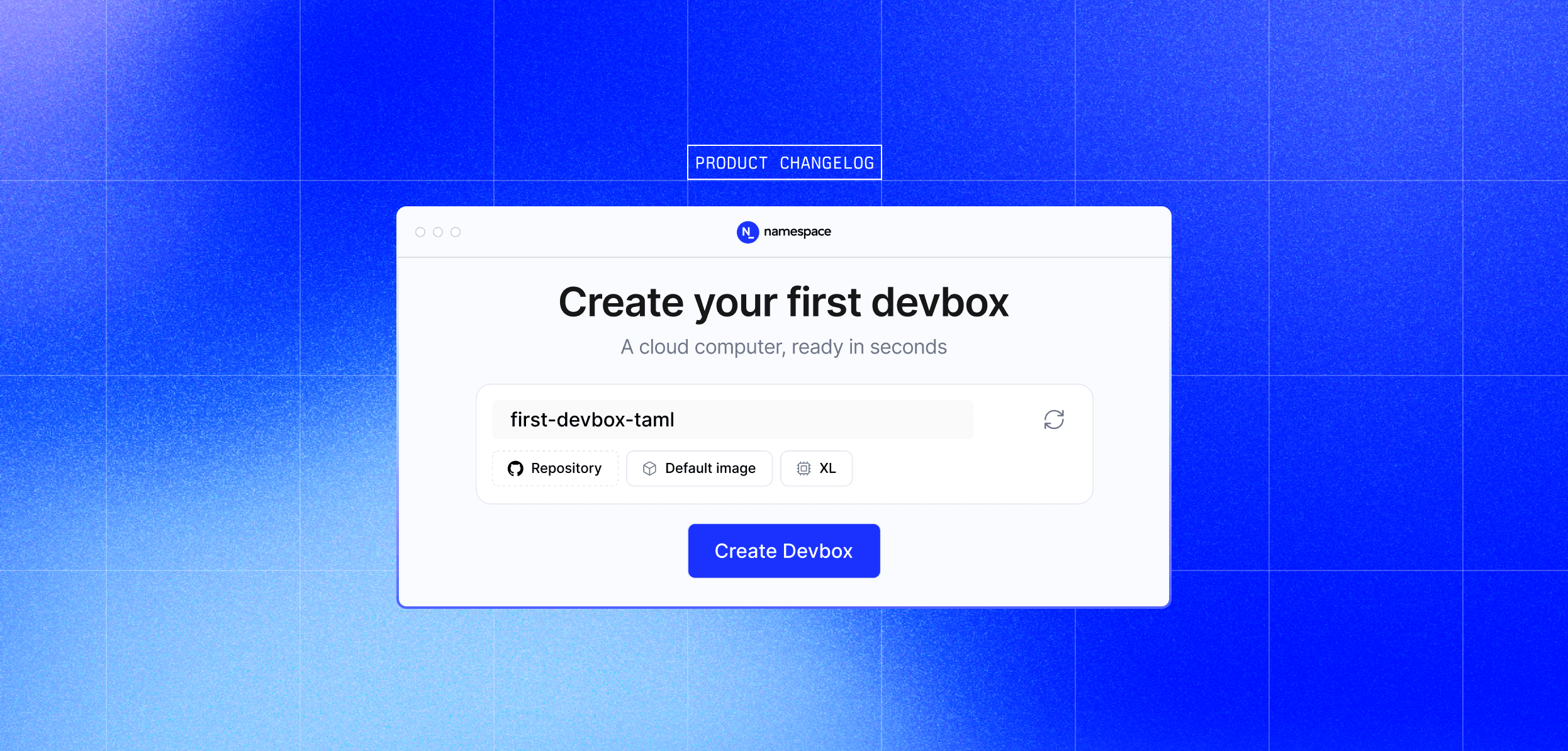
A Devbox is a cloud VM built for development. You pick a repository, pick a size, and in seconds you get an isolated environment with your code checked out and ready to work. The agent runs there and you keep working on your computer. When the agent is done, you check in.
High-performance infrastructure
Devboxes run on the same high-performance infrastructure that backs your CI. Same high-frequency cores. Same NVMe storage. Provisioned close to you in the US and Central Europe to keep latency low. Builds and invocations across Docker, Bazel, Gradle, and other toolchains get the same caching capabilities built into Namespace. For you, and your agents
It is not a coincidence, that the same hardware that makes builds fast also makes development fast.
Run more than one thing at once
If you've ever stashed half-finished work just to look at something else, you know the tax. Not the time it takes, but the burden of context switching. It is one of the challenges of traditional software development. One computer, one environment, one thread of work at a time.
With Devboxes, you can have multiple threads of work running at once. Each with its own state, its own branches, its own running processes. An agent refactoring code in one Devbox. A long test suite running in another. A proof of concept you're not sure about in a third. When you're ready to check in on any of them, open a browser tab and jump right in.
Isolation matters
When we started using Devboxes internally, the shift wasn't about speed. It was about trust. Knowing the agent can't accidentally rm -rf something in your home directory, or push to main with your credentials, changed how we work with it. We stopped watching. Isolation turned out to matter more than we anticipated.
Devboxes are designed with isolation as a feature, not a constraint. Agents cannot escape the Devbox or access anything outside it. You can safely run an agent without the interruption of approving every command.
The same isolation helps with parallel work. Each Devbox is its own world. No branch conflicts, no port collisions (no more localhost:3000 already in use), no shared state. You can tear one down without affecting the others.
Sessions that survive restarts
You should be able to walk away from your environment and come back to it. That's how it works when developing locally and how it should work with cloud computers. The npm install you kicked off before lunch should still be there when you come back.
Devboxes pause when you're not using them. When your Devbox is paused, session metadata is preserved but running processes are stopped. When your Devbox resumes, sessions remain available and you can restart your processes.
Connect however you want
While as much as we all wish every invocation of a coding agent were autonomous, the reality is from time to time we need to jump in. This is why we've built multiple ways for you to connect to a Devbox.
Open VS Code in your browser or SSH in from your local terminal and use the IDE of your choice.
devbox open-ide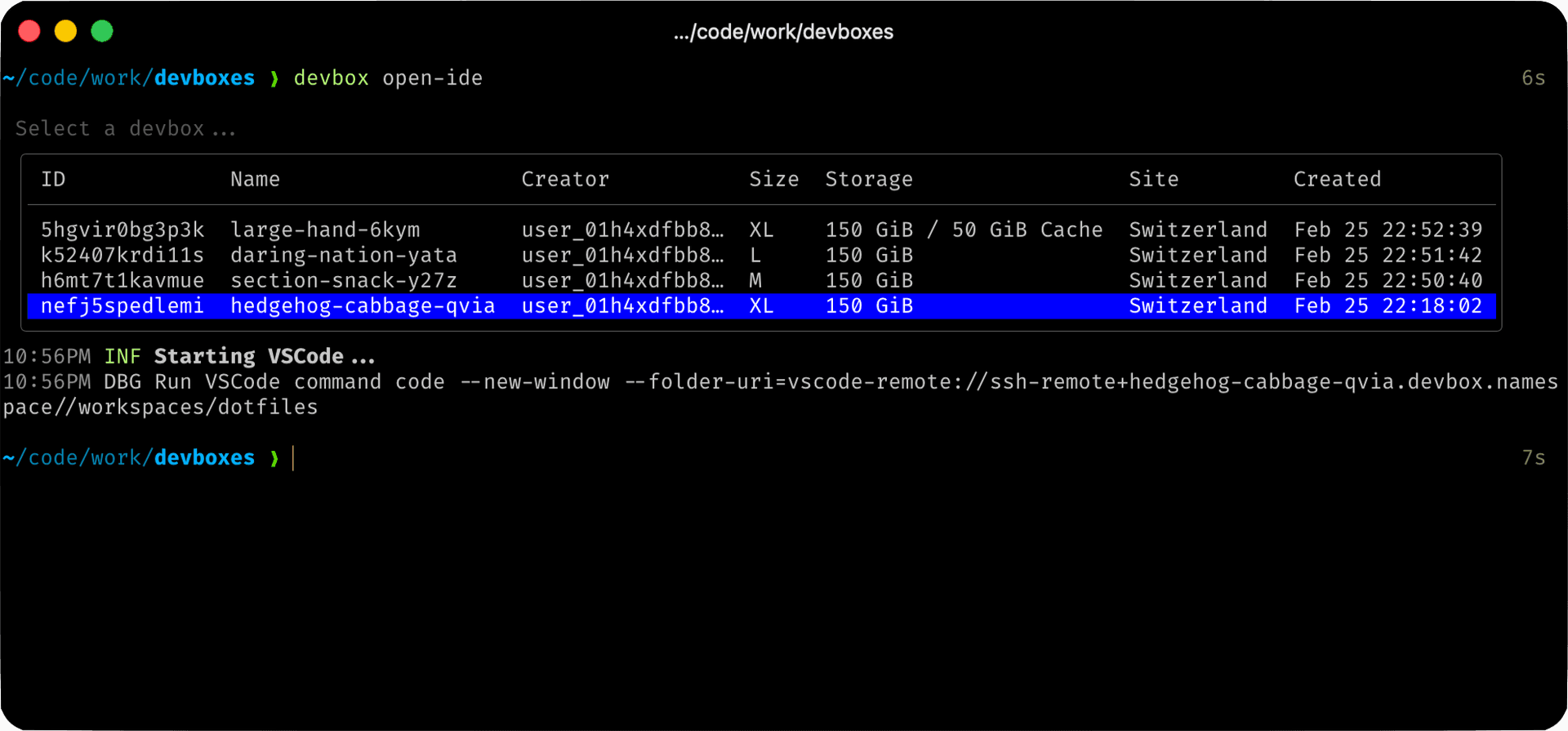
devbox ssh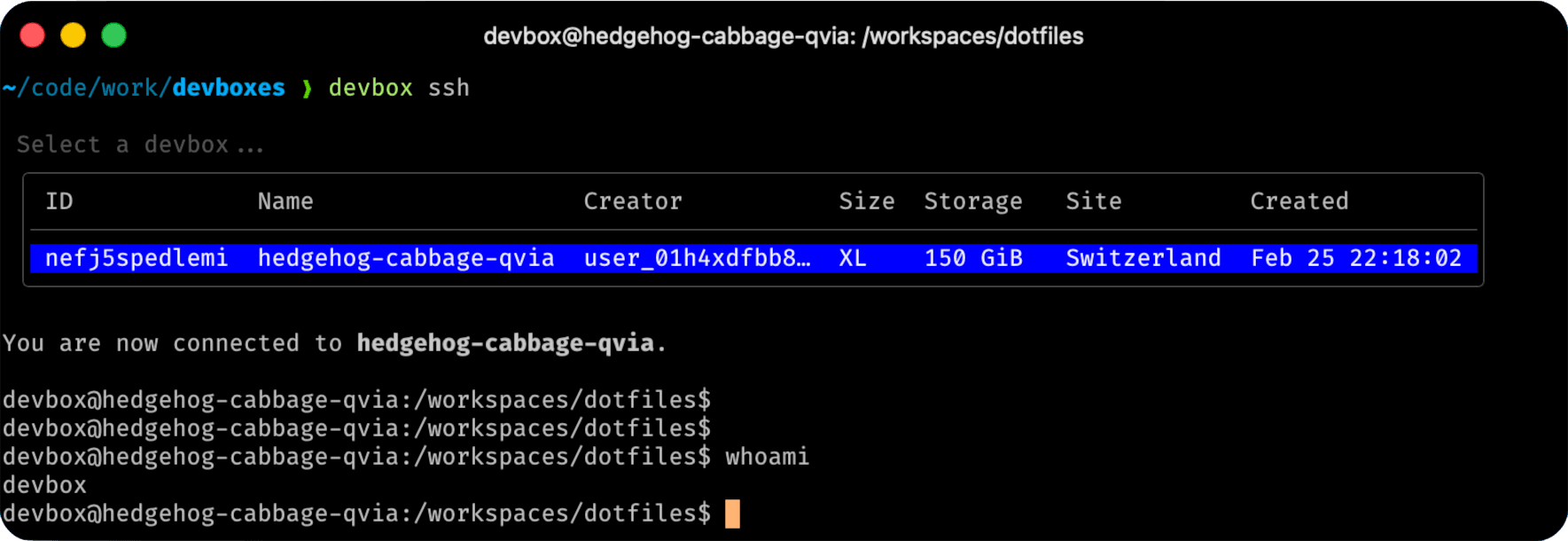
You can also do port forwarding directly with the Devbox CLI.
Real development environments
We have been using Devboxes internally for months, which has helped us design an offering that can handle a real codebase and provide a consistent, high-performance development environment.
- Ample storage to handle large codebases.
- Powerful CPU and memory for quick iteration.
- Full engineering capability, including the ability to run Docker builds, manage Docker containers, and handle virtualization.
With all these capabilities, Devboxes have become central to building many of our core features. For example:
- Some of our most recent caching integrations were built exclusively and semi-autonomously using Devboxes.
- Our persistent volume system has seen massive increases in robustness by having harnesses that perform extensive testing with nbd, user-mode block, and more.
- We build multi-product web applications and being able to iterate on them while connecting externally (with TLS termination, etc.) means we can do a lot more changes in parallel.
What's coming next
We're seeing teams adopting Devboxes for multiple use-cases, but many of these are still fairly static. We think there's a world where Devboxes will be created on demand, per change being worked on.
To get there, the friction to get started needs to be super low. Git checkouts need to be really fast. Authentication needs to be handled. Your MCPs and tooling need to be pre-configured, etc.
There's still a lot to do here. And the landscape is evolving quickly. Give Devboxes a try, and tell us how they work or don't work for you.
Go to cloud.namespace.so, sign in, and click Devboxes in the sidebar. Click Create and select your repository. Your first Devbox will be ready in seconds.
If something feels off, tell us.