Define Your Devbox Environment with a Spec File
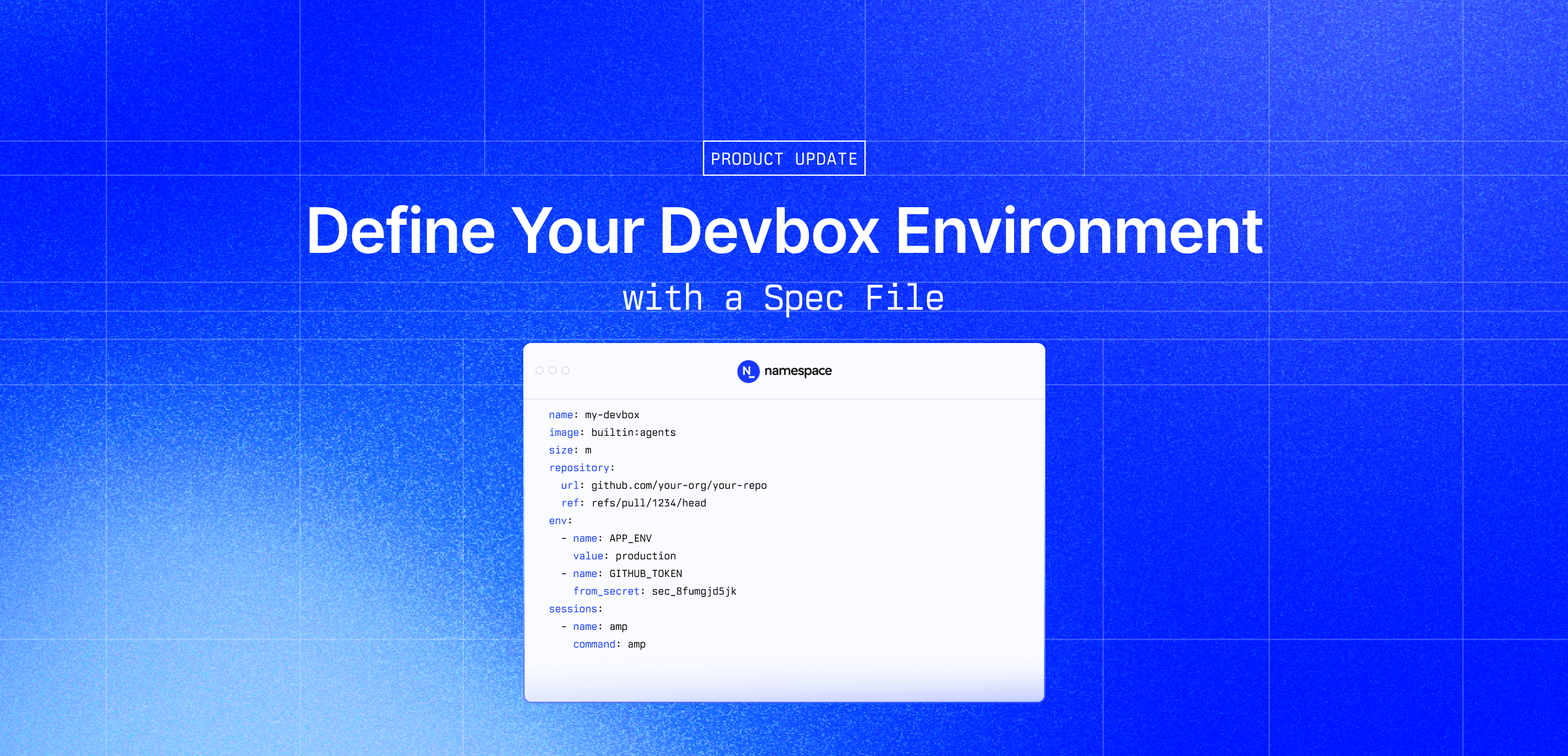

Cloud development environments typically spin up incredibly fast these days but leave the last few steps of getting the machine ready to work up to you. You might have to paste in a secret, install a coding agent, or checkout the correct branch/commit. It’s not hard work, but over time repeating those steps over and over again gets increasingly annoying.
Devboxes support custom base images for package and tool installation, but baking secrets or branch state into an image means rebuilding it for every variation. The Devbox spec file separates that configuration from the image: declare your secrets, image, and branch, and the Devbox starts in the state you expect without a new build.
Devbox configuration
Devboxes support configuration from a YAML, JSON, or TOML spec file. A minimal spec looks like this:
name: my-devbox
image: builtin:agents
size: m
repository: github.com/your-org/your-repo
You then create a Devbox using the --from flag:
devbox create --from devbox.yamlName prefix
To reuse the same spec file for multiple Devboxes, use the name_prefix field instead of name.
The CLI will generate a unique name for each instance by appending a random suffix.
name_prefix: my-devbox-
image: builtin:agents
size: m
repository: github.com/your-org/your-repo
This is useful when an orchestrator or script provisions several Devboxes from one spec and each needs a distinct name.
Checking out a specific ref
By default, Devboxes check out the default branch of your repository. That's rarely the branch you want to work on. The Devbox boots, and the first thing you do is check out the branch you actually care about.
The repository spec now accepts a ref field that accepts branch names, tags, and full SHA refs:
repository:
  url: github.com/your-org/your-repo
  ref: refs/pull/1234/head
The checkout happens at boot, before any code runs, so the workspace is already in the right state when you SSH in. For automated workflows this matters more: an orchestrator provisioning a Devbox per PR, or an agent reproducing a reported issue against a specific commit, needs the environment to start from exactly the right state without a manual step in between.
Environment variables
Even when you have your code checked out and on the right branch, you still have to make sure you have the correct environment variables set. We’ve added environment variable support to spec files to help you get configured faster. Declare environment variables as literal values or reference a value stored in Namespace Secrets:
env:
  - name: APP_ENV
    value: production
  - name: GITHUB_TOKEN
    from_secret_id: sec_8fumgjd5jk
Each entry needs exactly one of value or from_secret_id — not both. value is expanded with standard
$VAR and ${VAR} syntax from the local environment at creation time, making it easy to template in
values from your shell. from_secret_id takes a secret ID, which the platform resolves at boot. The secret
value is injected directly into the environment without ever passing through your shell or landing in a
config file.
Opting out of repository checkout
In the Devbox settings, we provide you with the option to set a default repository that is checked out when every Devbox that you created. While convenient, if you ever needed a Devbox without the repo you had to go to the UI to turn off the default and then turn it back on.
To help you avoid the dance of flipping the default on and off, we’ve added an option to the spec and CLI to disable checkouts.
repository:
disabled: truedevbox create --no_checkoutCoding agents
It is now easier to use popular coding agents in a Devbox. The builtin:agents image now comes with the
most widely-used coding agents pre-installed. All you need to do is set the correct environment variable
for your preferred agent, and you’re off to the races.

Run Claude Code (Anthropic) in a Namespace Devbox
Define your spec
name: my-devbox
image: builtin:agents
size: m
repository: github.com/your-org/your-repo
env:
  - name: ANTHROPIC_API_KEY
    from_secret_id: anthropic-api-key
sessions:
  - name: claude-code
    command: claude
Create from your spec
devbox create --from devbox.yamlConnect to the Claude Code session
devbox session connect my-devbox --session claude-codeRun Amp (Sourcegraph) in a Namespace Devbox
Define your spec
name: my-devbox
image: builtin:agents
size: m
repository: github.com/your-org/your-repo
env:
  - name: AMP_API_KEY
    from_secret_id: amp-api-key
sessions:
  - name: amp
    command: amp
Create from your spec
devbox create --from devbox.yamlConnect to the Amp session
devbox session connect my-devbox --session ampRun Codex (OpenAI) in a Namespace Devbox
Define your spec
name: my-devbox
image: builtin:agents
size: m
repository: github.com/your-org/your-repo
env:
  - name: OPENAI_API_KEY
    from_secret_id: openai-api-key
sessions:
  - name: codex
    command: codex
Create from your spec
devbox create --from devbox.yamlConnect to the Codex session
devbox session connect my-devbox --session codexRun Antigravity (Google) in a Namespace Devbox
Define your spec
name: my-devbox
image: builtin:agents
size: m
repository: github.com/your-org/your-repo
env:
  - name: GEMINI_API_KEY
    from_secret_id: gemini-api-key
sessions:
  - name: antigravity
    command: antigravity
Create from your spec
devbox create --from devbox.yamlConnect to the Antigravity session
devbox session connect my-devbox --session antigravityRun Cursor (Cursor) in a Namespace Devbox
Define your spec
name: my-devbox
image: builtin:agents
size: m
repository: github.com/your-org/your-repo
env:
  - name: CURSOR_API_KEY
    from_secret_id: cursor-api-key
sessions:
  - name: cursor
    command: cursor-agent
Create from your spec
devbox create --from devbox.yamlConnect to the Cursor session
devbox session connect my-devbox --session cursorRun Copilot (Github) in a Namespace Devbox
Define your spec
name: my-devbox
image: builtin:agents
size: m
repository: github.com/your-org/your-repo
env:
  - name: GH_TOKEN
    from_secret_id: github-token
sessions:
  - name: copilot
    command: gh copilot chat
Create from your spec
devbox create --from devbox.yamlConnect to the Copilot session
devbox session connect my-devbox --session copilotGenerating specs
The spec file can now be read from stdin, enabling you to generate spec files on the fly. You can specify the
format explicitly with --from_format:
generate_spec | devbox create --from_format yaml -This is most useful when a script, orchestrator, or agent generates the spec. An agent that wants to spin up a Devbox for a specific task can emit the spec directly rather than writing a temp file:
generate-pr-spec --pr 1234 | devbox create --from_format yaml -Summary
Getting a Devbox into a working state has always required a few manual steps after boot: checking out the right branch, setting environment variables, installing tools. Spec files now cover that gap. Declare your ref, your secrets, and your preferred agent, and the Devbox starts in the state you need. Stdin support means orchestrators and scripts can generate and pass specs directly, without intermediate files or manual intervention.