> ## Documentation Index
> Fetch the complete documentation index at: https://namespace.so/docs/llms.txt
> Use this file to discover all available pages before exploring further.
# Windows
Namespace Windows instances are generally available on current standard Team, Business, and Business+ plans. They use the same AMD EPYC processors that power our Linux environments.
## Key Features
* **Native Windows builds**
Compile and package your application using Windows-native toolchains, libraries, and build systems.
* **Cross-platform validation**
Test and verify behavior in real Windows environments to ensure full compatibility across macOS, Linux, and Windows.
* **Scalable memory configurations**
Run memory-intensive Windows workloads with support for large-memory instance shapes.
## RDP Access
Namespace supports visual debug access which is invaluable for debugging GUI applications, testing user interfaces, and investigating display-related issues.
To gain interactive, visual access to your Windows runners, you can rely on our RDP integration.
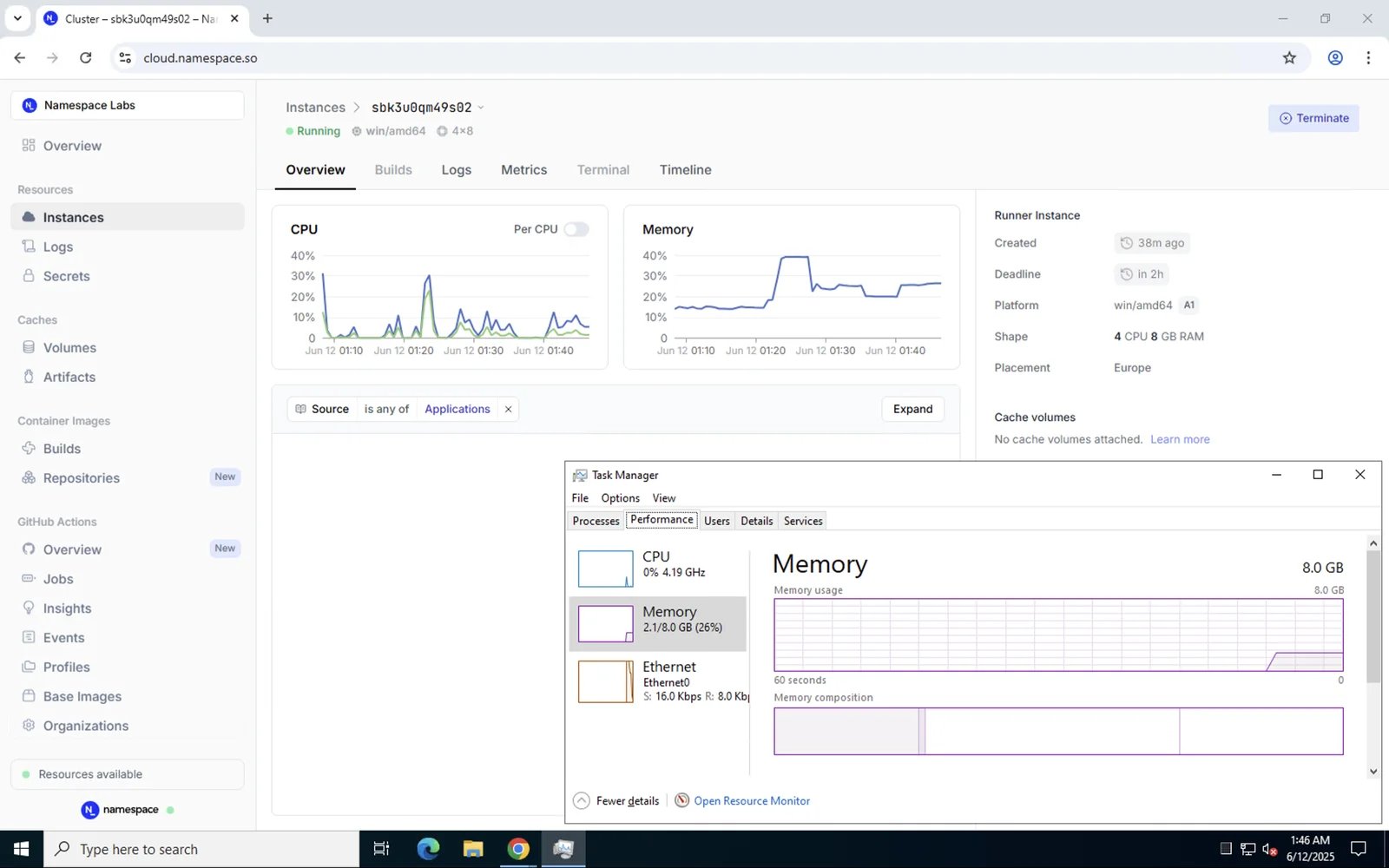 You can start an RDP session using our [CLI](/docs/reference/cli/installation).
```bash theme={null}
nsc rdp
```
RDP credentials are printed on the CLI and currently need to be entered in the RDP client manually.
This documentation is built and hosted on [Mintlify](https://mintlify.com), a developer documentation platform.
You can start an RDP session using our [CLI](/docs/reference/cli/installation).
```bash theme={null}
nsc rdp
```
RDP credentials are printed on the CLI and currently need to be entered in the RDP client manually.
This documentation is built and hosted on [Mintlify](https://mintlify.com), a developer documentation platform.